Parole 0.4.0 is out!
A new awesome release of the Parole media player for Xfce is out and ships all the hard work of Sean Davis and Simon Steinbeiss.
Sean wrote an extensive description of this new release on his blog, with tons of screenshots. As stated there, do not hesitate to give them feedback on this new release and to file any issue you may have on the Xfce Bugzilla.
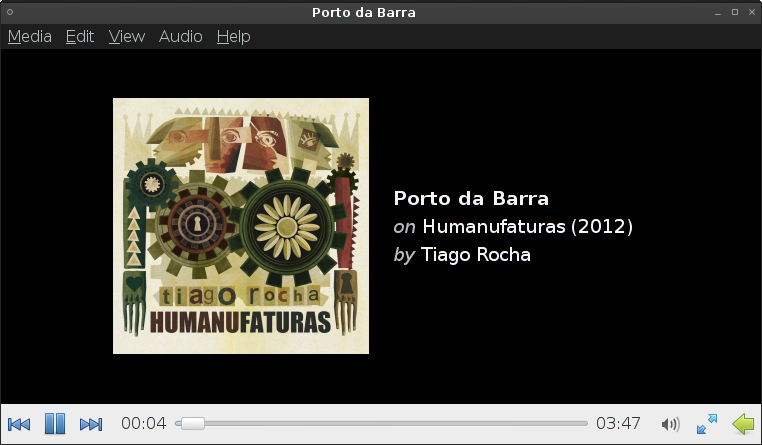
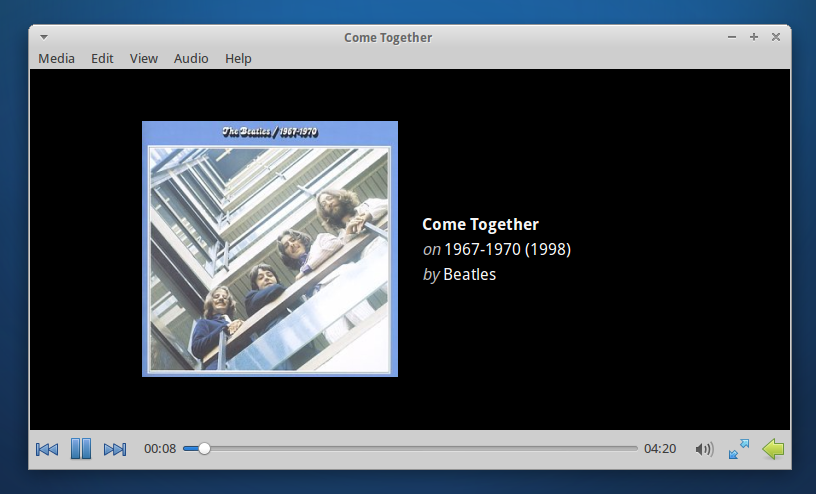
Here is a screenshot of the new very nice main view while playing an audio file:
Congratulations to Sean and Simon for this excellent work!
Parole Media Player 0.4.0 Released
Parole Media Player 0.4.0 has finally been released, with many new features and fixes. Here’s what’s new and what it should do.
Bug Fixes
- Fixed compilation bugs #9219 and #9226.
- Fullscreen controls are now displayed on the proper monitor (bug #9270).
- Fixed screensaver inhibition (bug #7407).
- Fixed a bug where Parole would freeze on some subtitles (bug #9194).
- Fixed a bug where Parole would skip every second ogg-vorbis file in the playlist (bug #9562).
New Features and Fixes
- File and location history
- Embedded mode
- Missing codec detection and installation
- Custom subtitle loading
- CD and DVD playlist support
- DVD navigation
- New look for audio formats
- New notification plugin
- Configuration ported to Xfconf
- Improved keyboard shortcuts
File and Location History
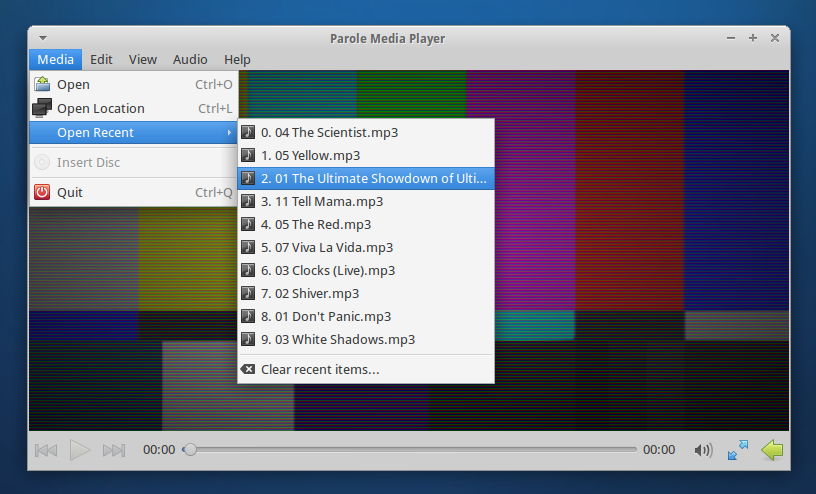
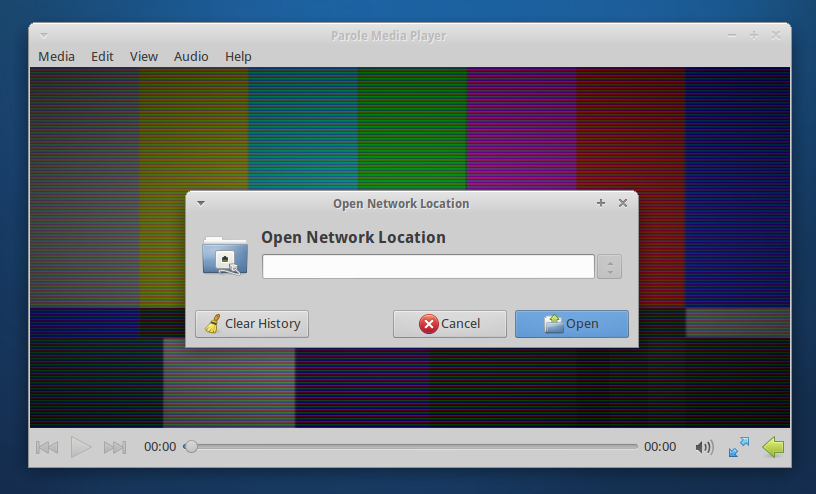
Recent files are now easily accessible. “Recent files” has been added to the Media menu. The “Open Location” dialog has also been greatly improved. Additionally, history can be easily cleared.
Embedded Mode
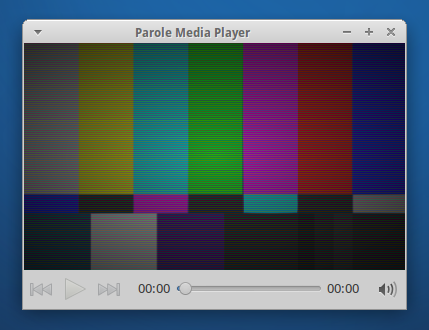
“Embedded Mode” has been a long-requested feature that would trim away bits of the interface for embedding into other applications (e.g. web browsers). To start Parole in embedded mode, simply use the following command: parole --embedded
Missing Codec Detection and Installation
Another long-requested feature, Parole can now detect if your system is missing a necessary codec and install it as well.
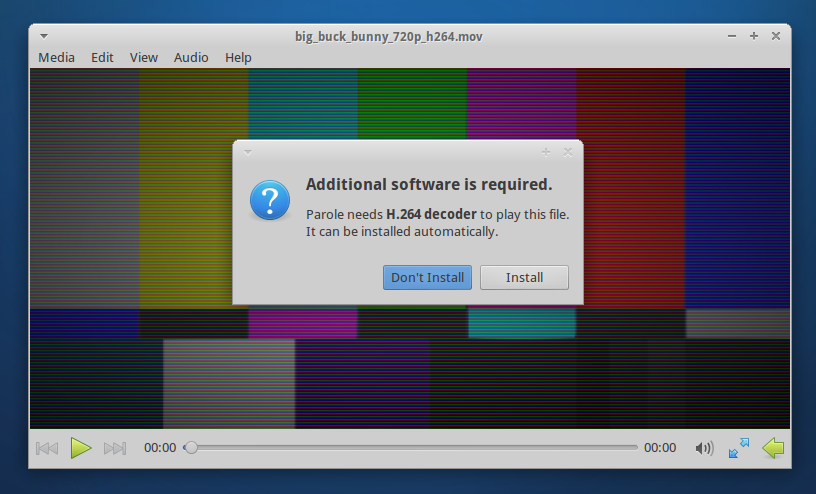
Custom Subtitle Loading
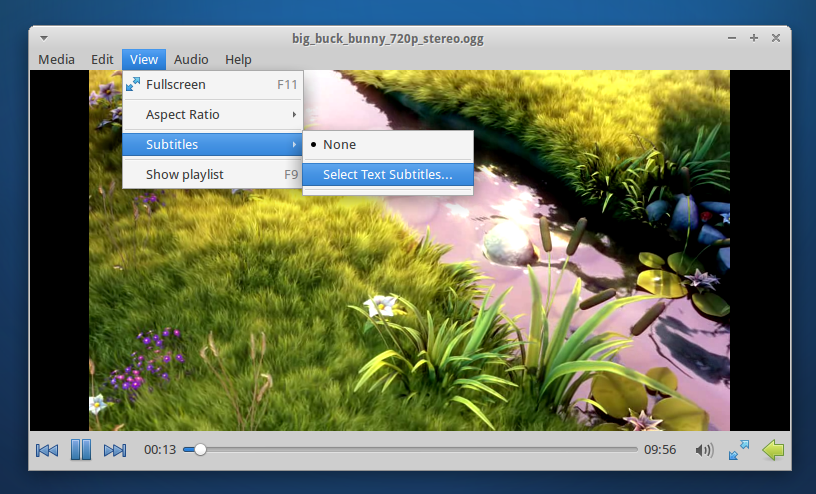
Previously, Parole would only open subtitles that were embedded in video files or that had matching file names. Now, you can select any subtitle file for Parole to load with your video.
CD and DVD Playlist Support
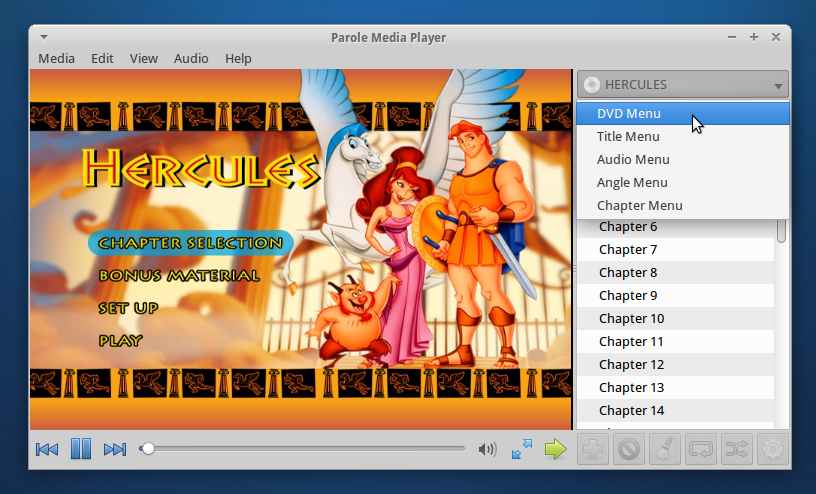
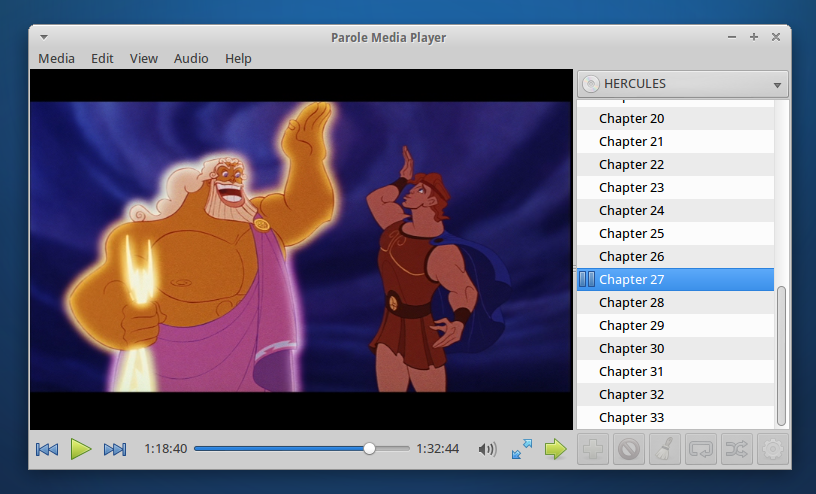
CD and DVD tracks have now been added to the playlist, making it easier than ever to quickly jump to your favorite track or scene. DVD navigation has also been added to the playlist so you can move quickly via DVD menus.
New Look for Audio Formats
This is where Parole gets fancy. We’ve added a whole new look for audio tracks, showing off beautiful album art and track details. We’re pretty proud of this latest feature, so be sure to check it out.
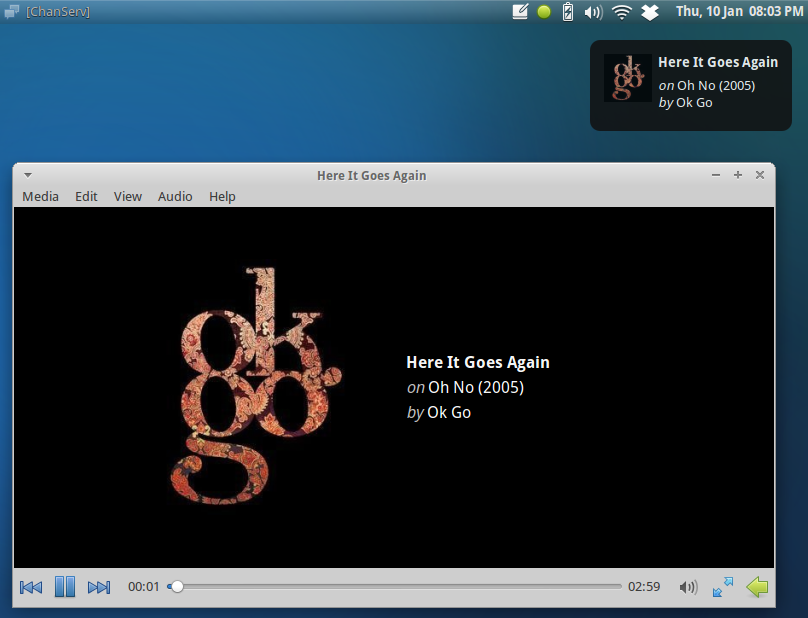
New Notification Plugin
Now that we have album art, we’ve also added it to the newly introduced notification plugin. Notifications were previously part of the tray icon plugin, but since their functionality is separate, it only makes sense for the plugins to be as well.
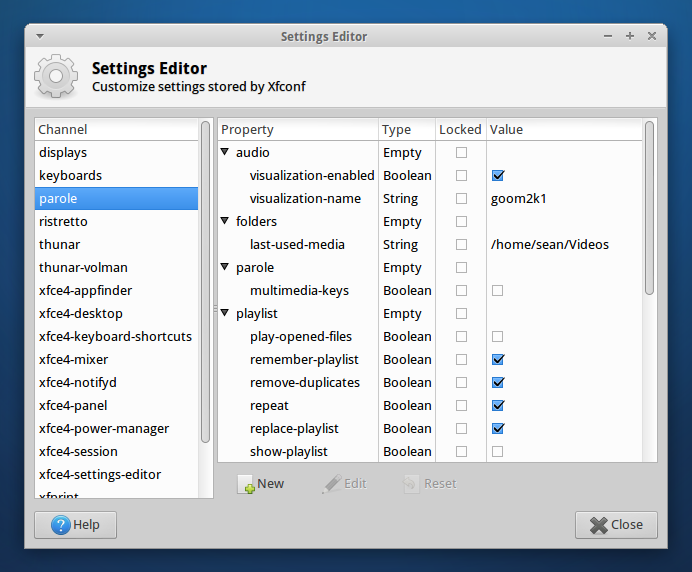
Configuration Ported to Xfconf
Configuration has moved away from settings files and has been integrated with Xfce Settings. This means easier deployment of preferred settings and the ability to reset settings if something goes awry quickly.
Improved Keyboard Shortcuts
Keyboard shortcuts were a major topic for this release and have been improved significantly. You’ll find all the shortcuts below.
General
| Combination | What it does |
|---|---|
| Ctrl+O | Open Dialog |
| Ctrl+L | Open Location Dialog |
| Ctrl+Q | Quit Parole |
Playlist
| Combination | What it does |
|---|---|
| F9 | Show/Hide playlist |
| Up | Navigate Playlist Up |
| Down | Navigate Playlist Down |
Playback
| Combination | What it does |
|---|---|
| F11 | Enter Fullscreen |
| Escape | Exit Fullscreen |
| Left/Right | Seek Media Backwards/Forwards 10 seconds |
| Ctrl+Left/Right | Seek Media Backwards/Forwards 1 minute |
| 0 (zero) | Mute Volume |
| – (minus) | Decrease Volume |
| + (plus), = (equals) | Increase Volume |
Where Do I Get It?
Parole’s source code can be downloaded here. Ubuntu 13.04 users can download it straight from the Ubuntu Software Center. If you’re running Ubuntu 12.04 or 12.10, Parole can be installed from the Xfce 4.12 PPA below (12.04 users also need the 4.10 PPA).
sudo add-apt-repository ppa:xubuntu-dev/xfce-4.12
sudo apt-get update
sudo apt-get install parole
Please test Parole 0.4 and report any bugs you find at the Xfce Bugzilla. So, what do you think of the latest and greatest Xfce media player? Let me know in the comments!
Xfce4-terminal 0.6.x keyboard shortcuts
A lot of users seem to be wondering how to edit keyboard shortcuts in xfce4-terminal 0.6.x. The built-in shortcut editor is indeed gone and the application now uses editable GTK+ accelerators like other GTK+ applications. This is more consistent and allows to drop the exo dependency which makes the application lighter.
The FAQ of the Xfce documentation has a guide on how to edit GTK+ accelerators of xfce4-terminal. You’ll get your custom shortcuts back in no time!
PS: xfce4-terminal 0.6.1 is out and has a killer “drop-down” mode ala guake / tilda. See Nick’s Google+ page for screenshots.