Xubuntu 15.10 Available
A new release of Xubuntu is just around the corner! The release candidate for Xubuntu 15.10 “Wily Werewolf” is now available, with the final release expected less than a week from now on October 22. What’s New? This list highlights several new features and applications, but is by no means exhaustive. This post will be … Continue reading Xubuntu 15.10 AvailableParole Media Player 0.8.1 Released
It’s been nearly 8 months since the first release in Parole’s 0.8 stable series. Yesterday, Parole Media Player 0.8.1 was released in time to be included in Xubuntu 15.10. This release includes several bug fixes and makes for another great release. What’s New? New Feature-ish New hidden setting to persistently hide the menubar been sessions. This … Continue reading Parole Media Player 0.8.1 ReleasedParole Media Player 0.8.1 Released
It’s been nearly 8 months since the first release in Parole’s 0.8 stable series. Yesterday, Parole Media Player 0.8.1 was released in time to be included in Xubuntu 15.10. This release includes several bug fixes and makes for another great release.
What’s New?
New Feature-ish
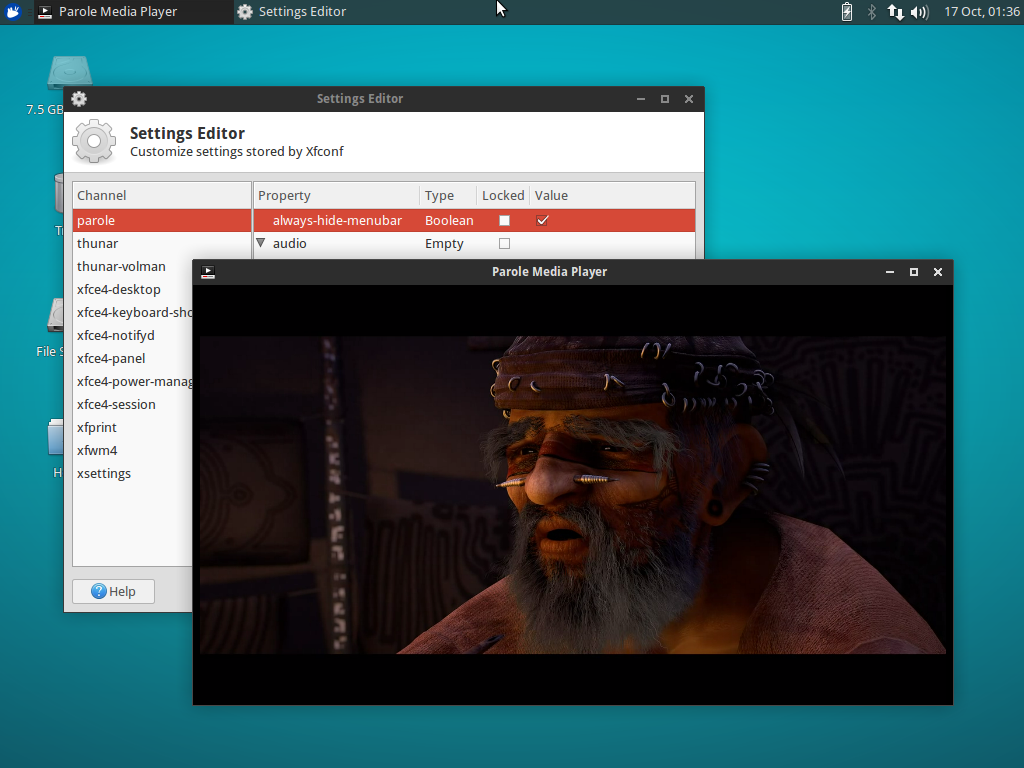
New hidden setting to persistently hide the menubar been sessions. This option reduces Parole into a window dedicated to content for as long as it is enabled.
-
To enable from the terminal, issue the following command:
xfconf-query -c parole -p /always-hide-menubar -nt bool -s true -
And from the Xfce Settings Editor: Click “parole”, then “New”. Enter “/always-hide-menubar” as the property, select “Boolean”, and then toggle the value to “TRUE”.
Bugs Fixed
- Xfce: #12045: MPRIS2 plugin: Add missing signal watch on shuffle property
- Xfce: #12169: Fix crash on close that would happen in some system configurations (including Xubuntu 15.10)
- Xfce: #11653: Make appdata.xml correctly validate
- Fixed building with
--debugby correcting conditional logic
Translation Updates
Chinese (China), Chinese (Taiwan), English (Australia), Finnish, French, Galician, German, Greek, Hebrew, Italian, Korean, Lithuanian, Malay, Polish, Portuguese, Portuguese (Brazilian), Russian, Spanish, Swedish, Thai, Ukrainian
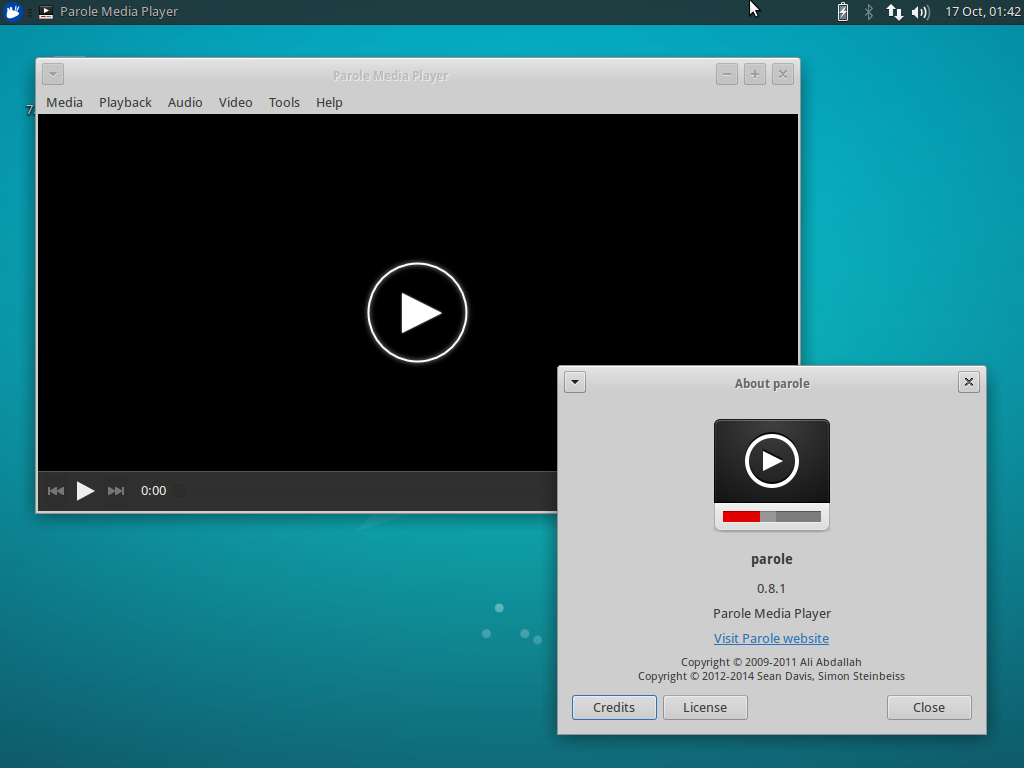
Screenshots
Downloads
The latest version of Parole Media Player can be downloaded from the Xfce archives. Ubuntu 15.10 “Wily Werewolf” users can install Parole 0.8.1 from the repositories:
sudo apt-get update
sudo apt-get install parole
Catfish 1.3.3 Released
The latest version of Catfish (1.3.3) was released on October 8th. This release follows the current development cycle where I am improving usability and tackling bugs big and small. Changes Since 1.3.0 New Features The headerbar window decorations are now optional, and can be toggled with the use-headerbar setting Updated Translations: German, Greek, Finnish, French, … Continue reading Catfish 1.3.3 ReleasedCatfish 1.3.3 Released
Catfish 1.3.3 was released on October 8th. This release follows the current development cycle, in which I improve usability and tackle bugs of all sizes.
Changes Since 1.3.0
New Features
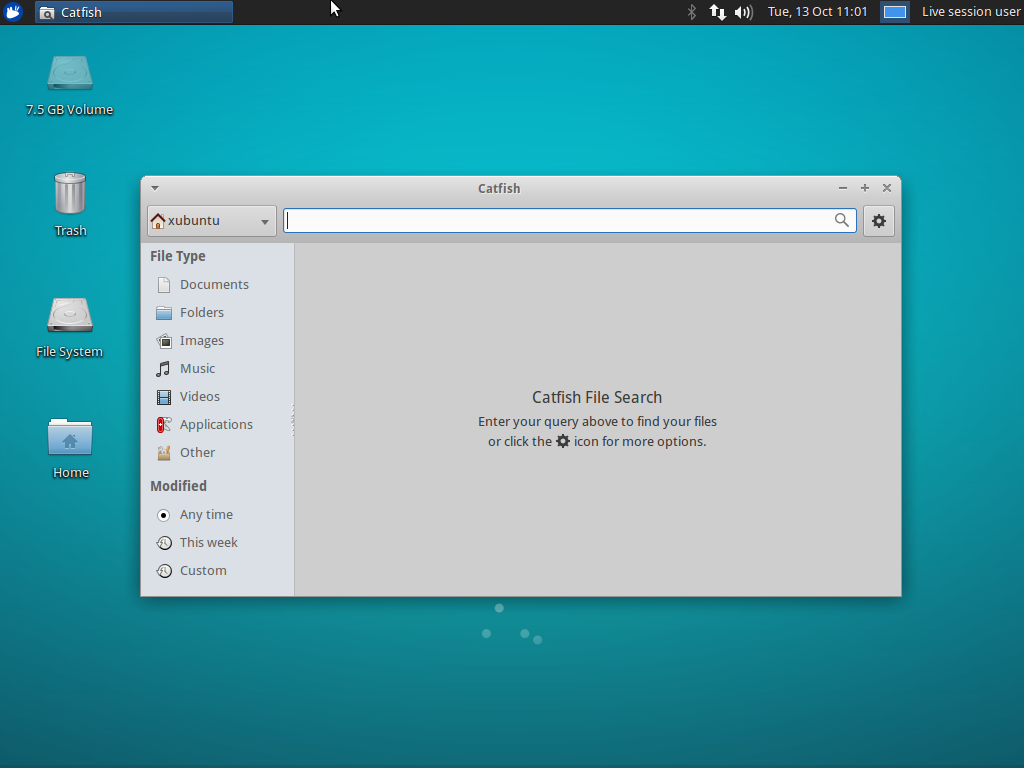
- The headerbar window decorations are now optional and can be toggled with the
use-headerbarsetting - Updated Translations: German, Greek, Finnish, French, Polish, Portuguese, Spanish
Bug Fixes
- LP: #1395720: Support for passwordless sudo
- LP: #1442559: Fix lookup of files over 2GB on 32bit installations
- LP: #1482919: Detect availability of
locate, disable if unavailable - LP: #1495098: Use correct thumbnails directory based on GLib version
- Fix broken modification date filter
- Hide output from the
whichcommand on startup - Set the window title to display in window lists correctly
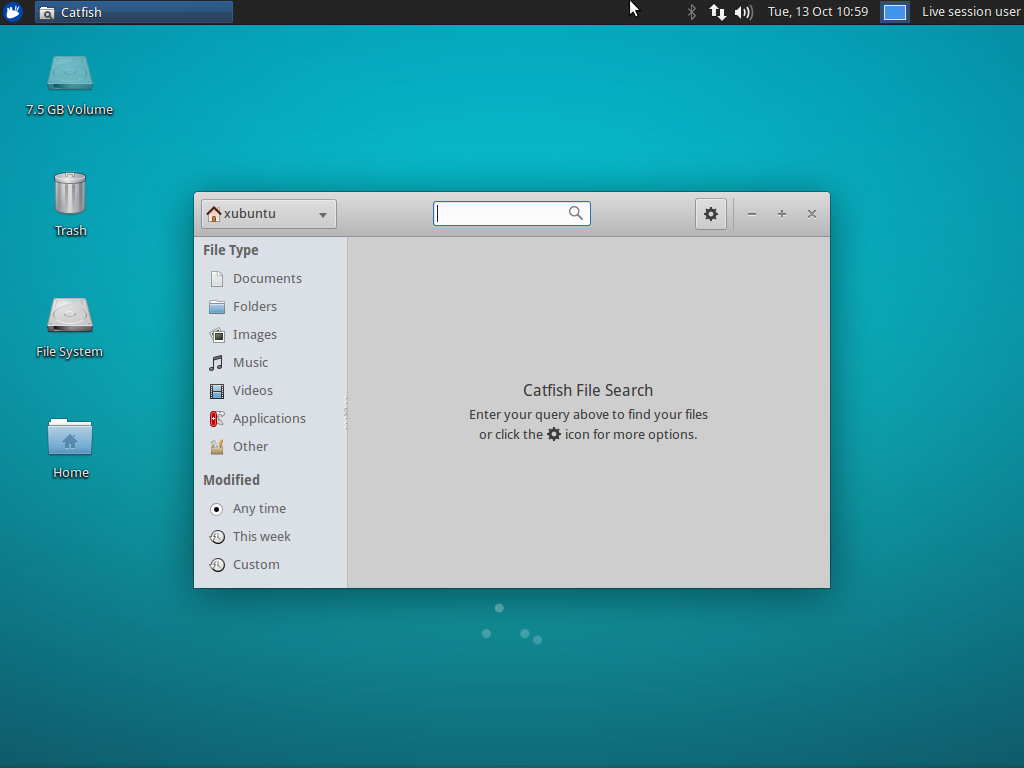
Screenshots
Downloads
The latest version of Catfish can be downloaded from Launchpad. Ubuntu 15.10 “Wily Werewolf” users can install Catfish 1.3.3 from the repositories:
sudo apt-get update
sudo apt-get install catfish
Xfce Panel Switch: Introduction
Xubuntu 15.10 “Wily Werewolf” introduces a new application for managing panel layouts in Xfce, Xfce Panel Switch. This is a simple utility application that fills a void for appearance tweakers and distributors alike. Features Backup and restore panel configurations Share panel layouts with simple exporting and importing Choose from one of 5 included layouts, or … Continue reading Xfce Panel Switch: IntroductionXfce Panel Switch: Introduction
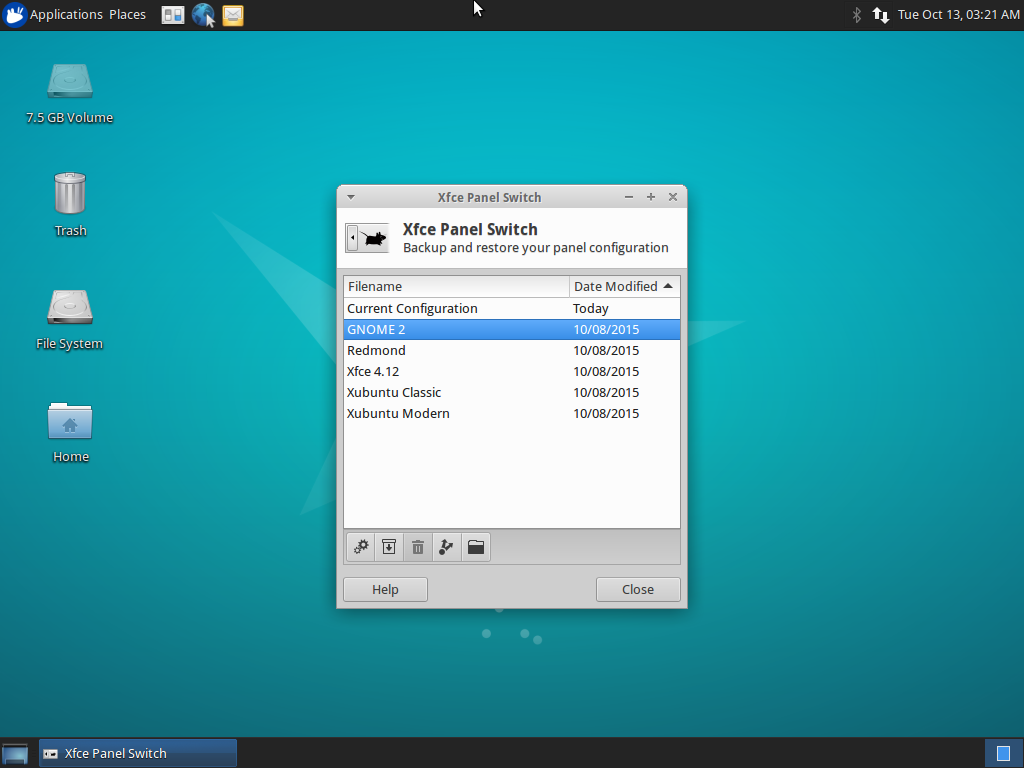
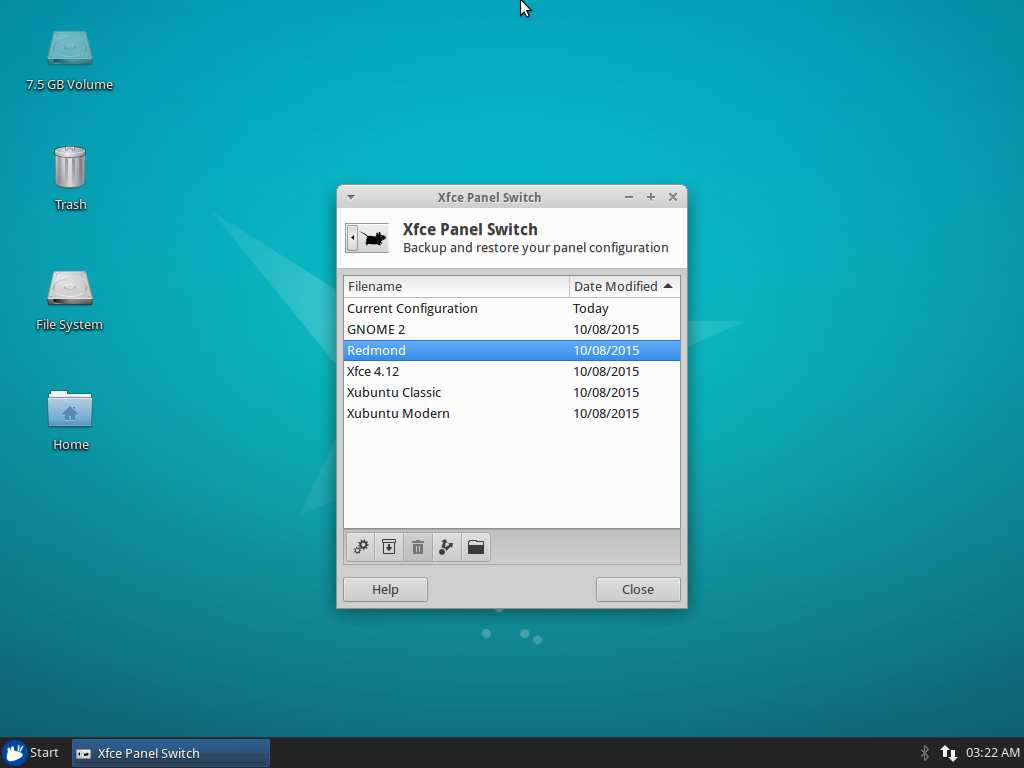
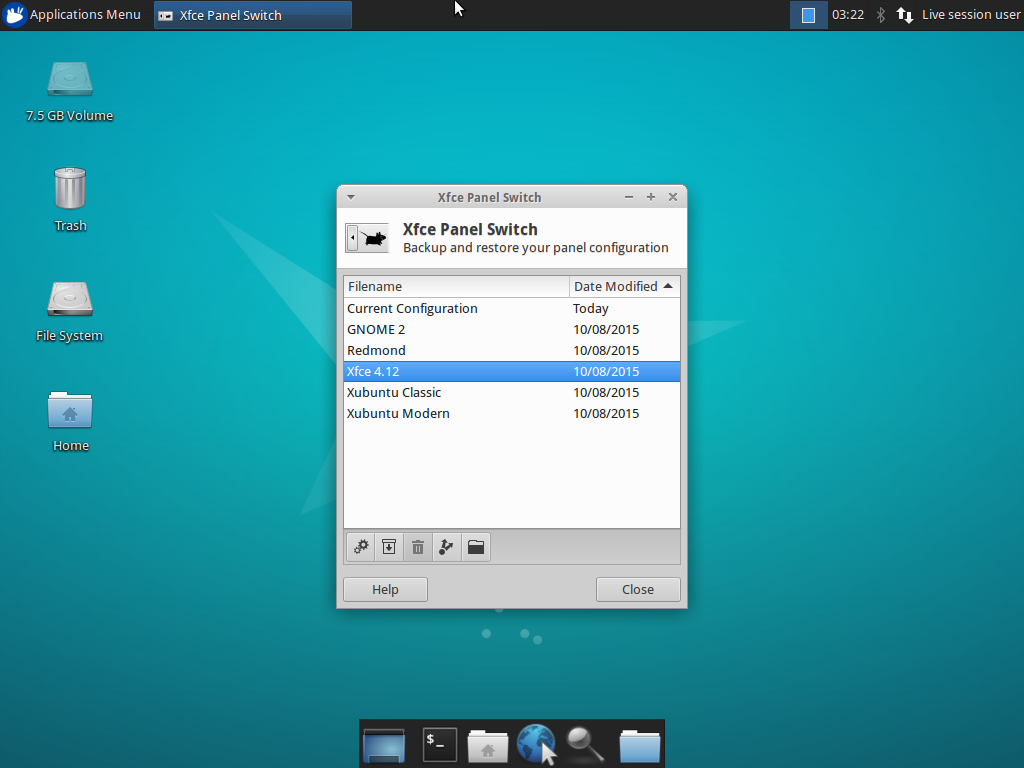
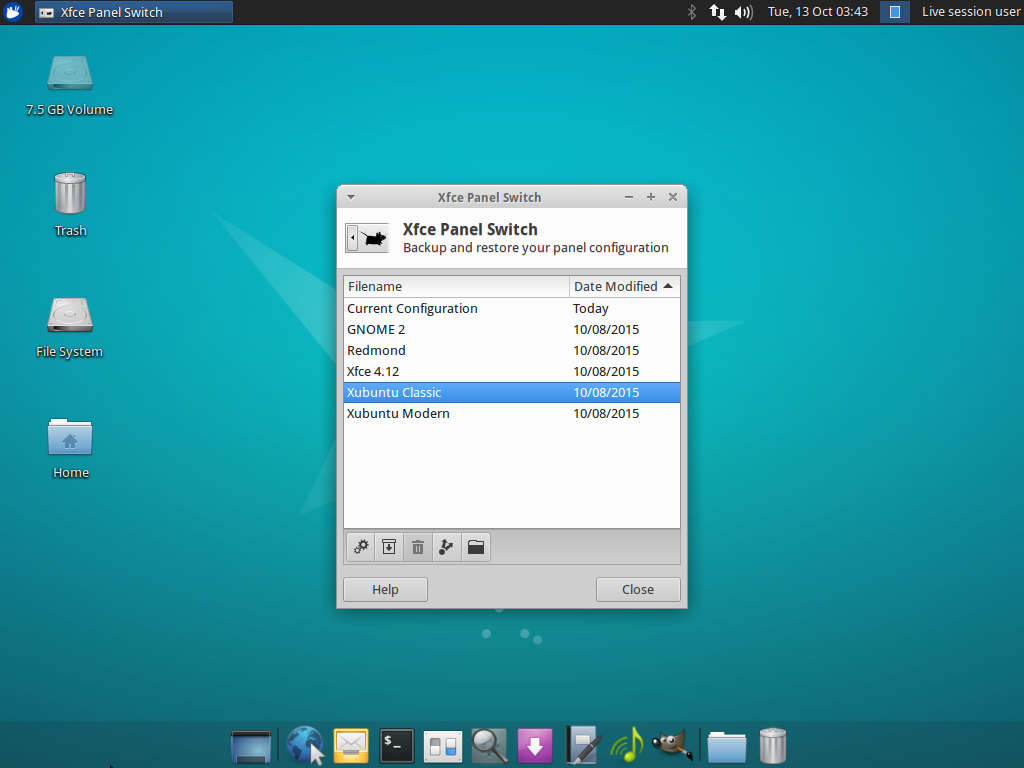
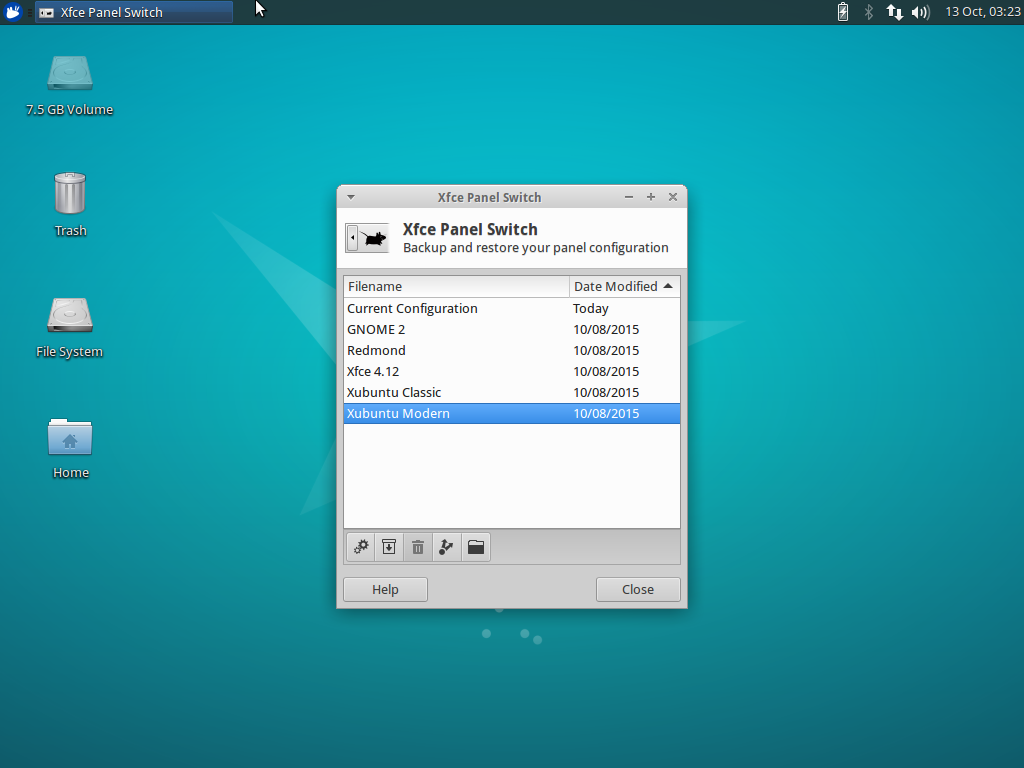
Xubuntu 15.10 “Wily Werewolf” introduces a new application for managing panel layouts in Xfce, Xfce Panel Switch. This simple utility application fills a void for appearance tweakers and distributors alike.
Features
- Backup and restore panel configurations
- Share panel layouts with simple exporting and importing
- Choose from one of 5 included layouts, or install layouts system-wide in
/usr/share/xfpanel-switch/layouts
Included Layouts
- GNOME 2 (top and bottom panel configuration)
- Redmond (single panel layout familiar to Windows users)
- Xfce 4.12 (out-of-the-box default Xfce layout)
- Xubuntu Classic (Xubuntu 12.04 era)
- Xubuntu Modern (Xubuntu 14.04 and newer)
Screenshots
Downloads
The latest version of Xfce Panel Switch can be downloaded from Launchpad. Ubuntu 15.10 “Wily Werewolf” users can install Xfce Panel Switch 1.0.3 from the repositories:
sudo apt-get update
sudo apt-get install xfpanel-switch