Xfce Panel Switch: Introduction
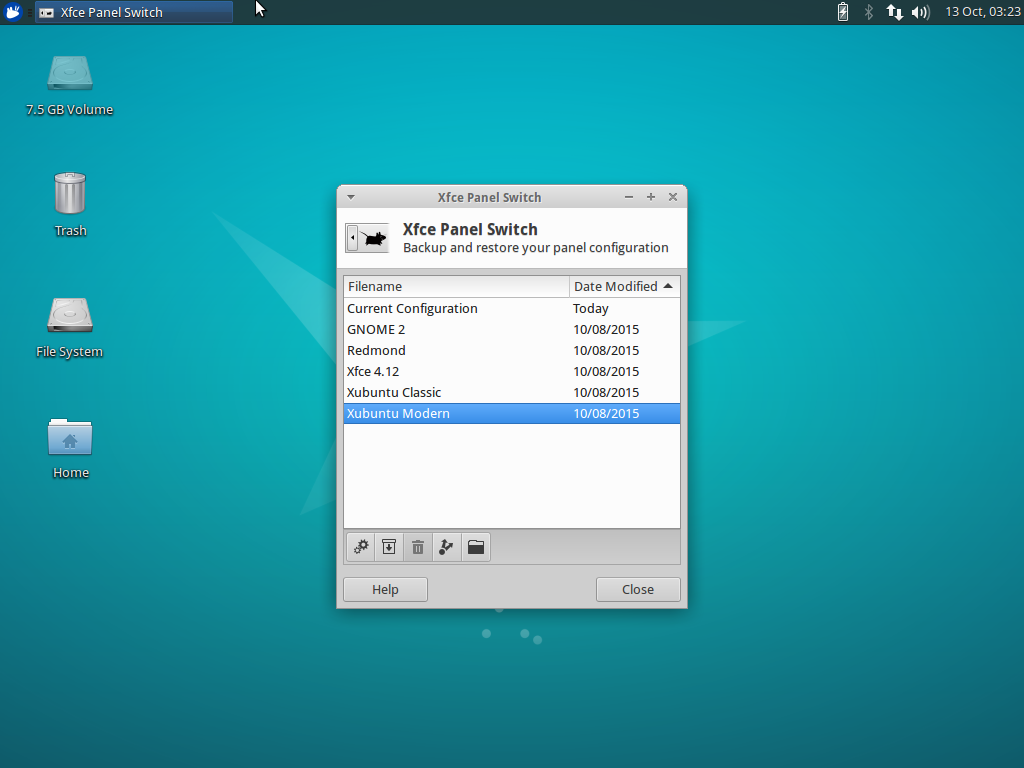
Xubuntu 15.10 “Wily Werewolf” introduces a new application for managing panel layouts in Xfce, Xfce Panel Switch. This simple utility application fills a void for appearance tweakers and distributors alike.
Features
- Backup and restore panel configurations
- Share panel layouts with simple exporting and importing
- Choose from one of 5 included layouts, or install layouts system-wide in
/usr/share/xfpanel-switch/layouts
Included Layouts
- GNOME 2 (top and bottom panel configuration)
- Redmond (single panel layout familiar to Windows users)
- Xfce 4.12 (out-of-the-box default Xfce layout)
- Xubuntu Classic (Xubuntu 12.04 era)
- Xubuntu Modern (Xubuntu 14.04 and newer)
Screenshots
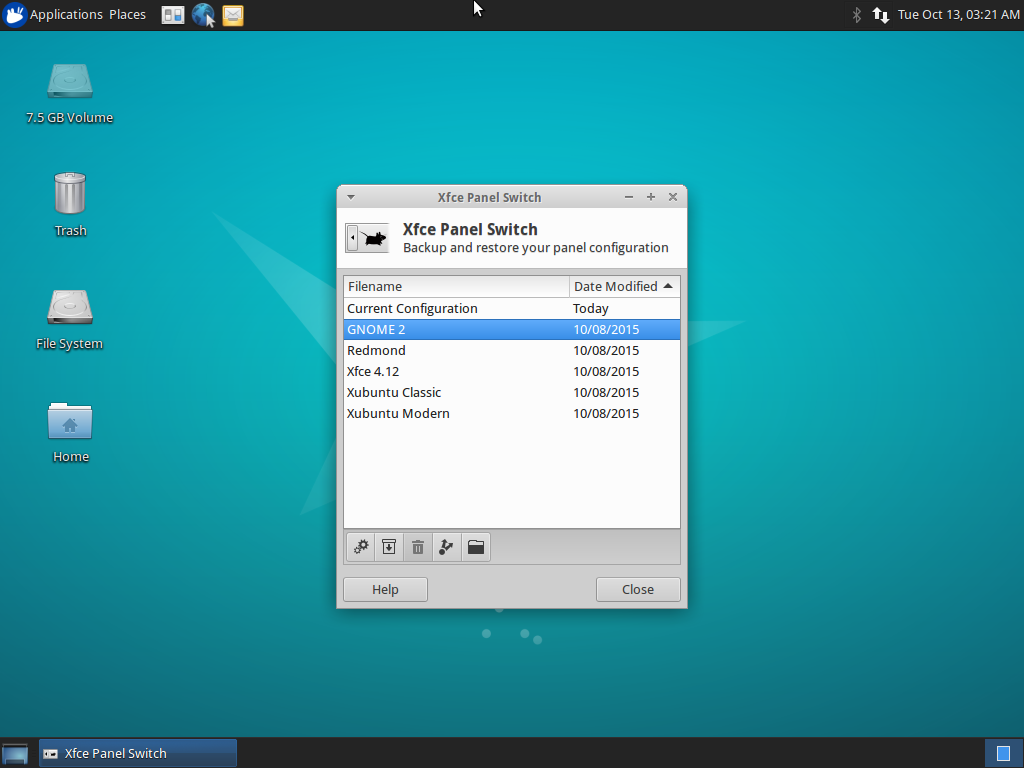
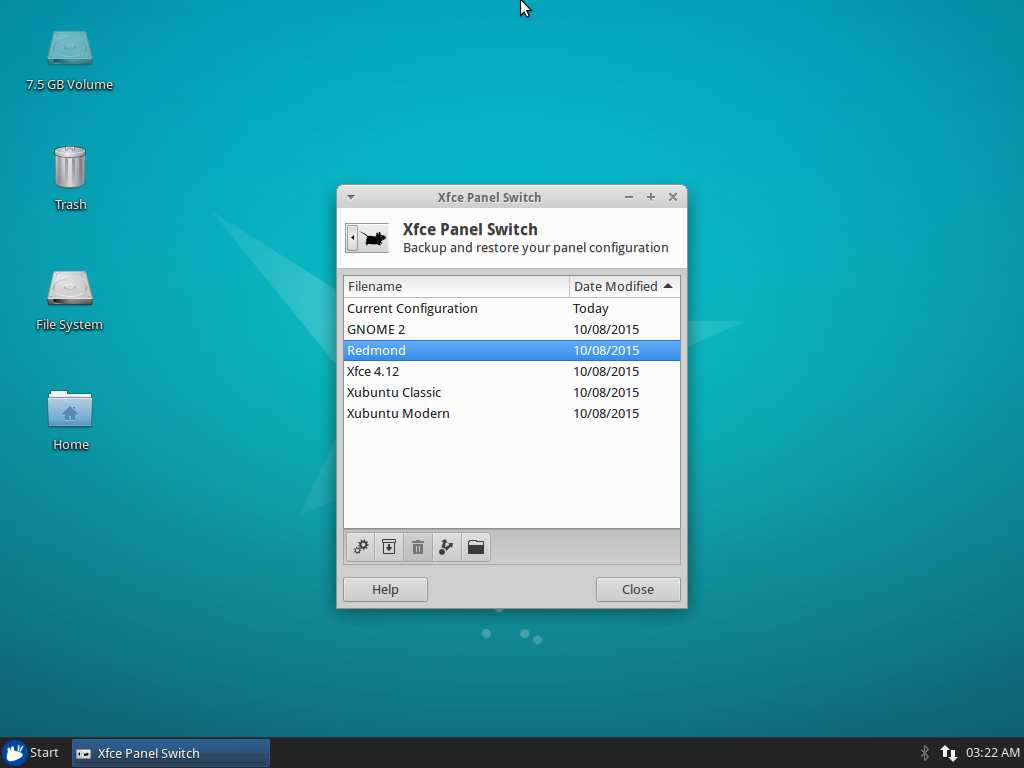
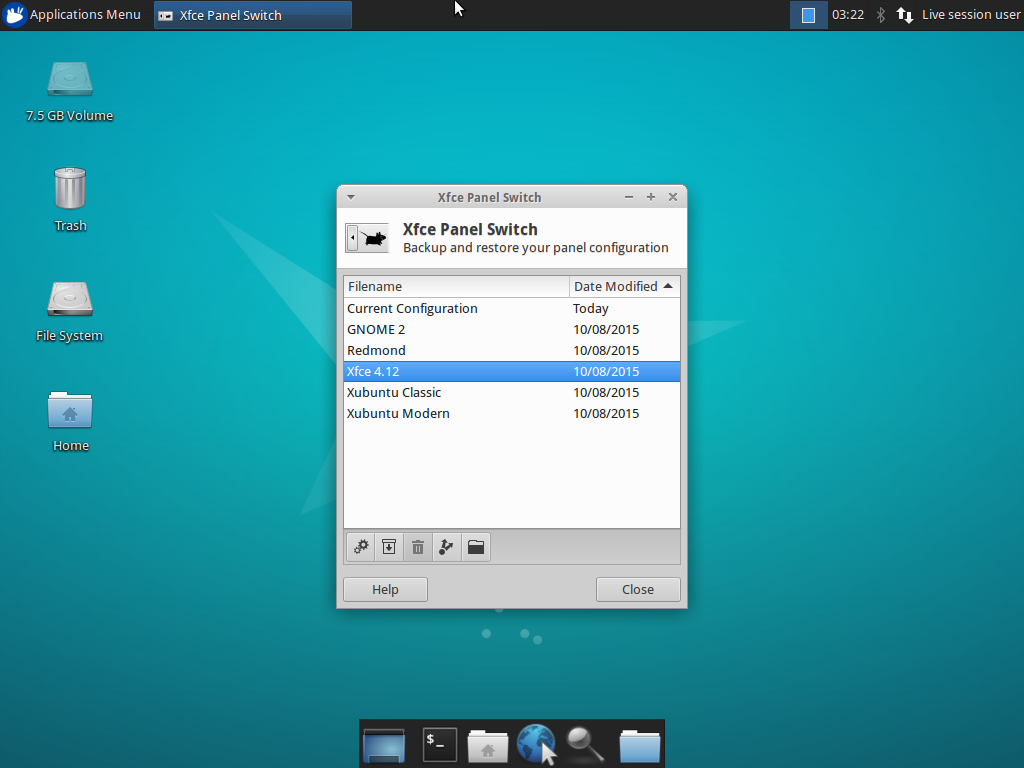
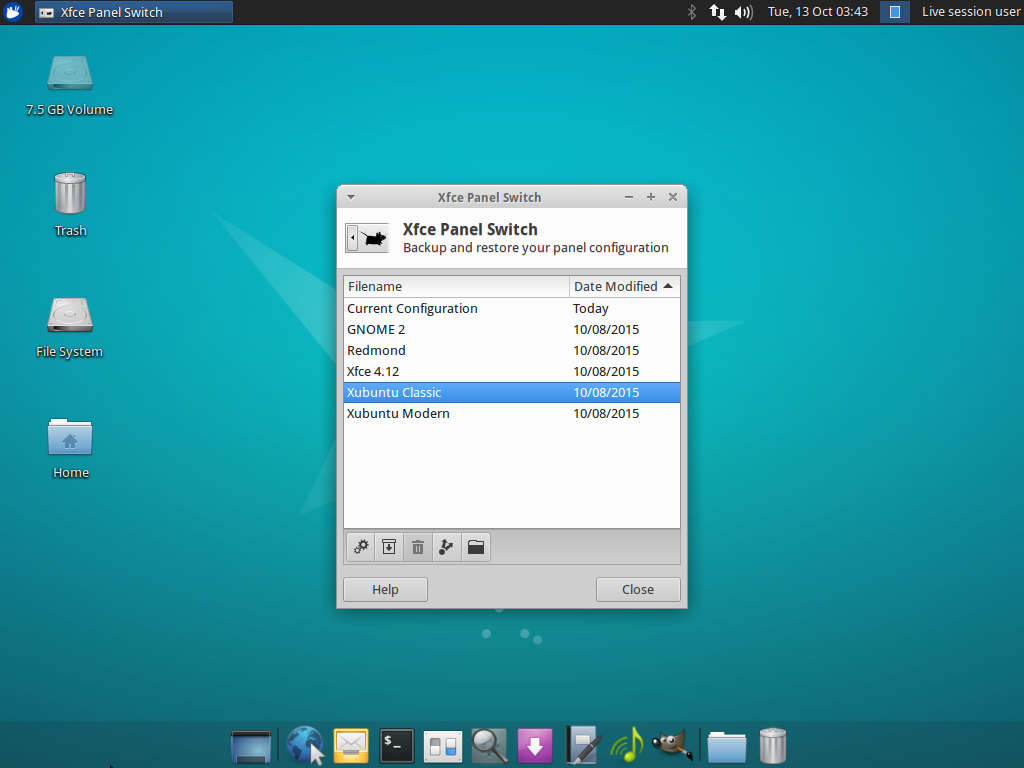
Downloads
The latest version of Xfce Panel Switch can be downloaded from Launchpad. Ubuntu 15.10 “Wily Werewolf” users can install Xfce Panel Switch 1.0.3 from the repositories:
sudo apt-get update
sudo apt-get install xfpanel-switch
Catfish 1.3.0 Released
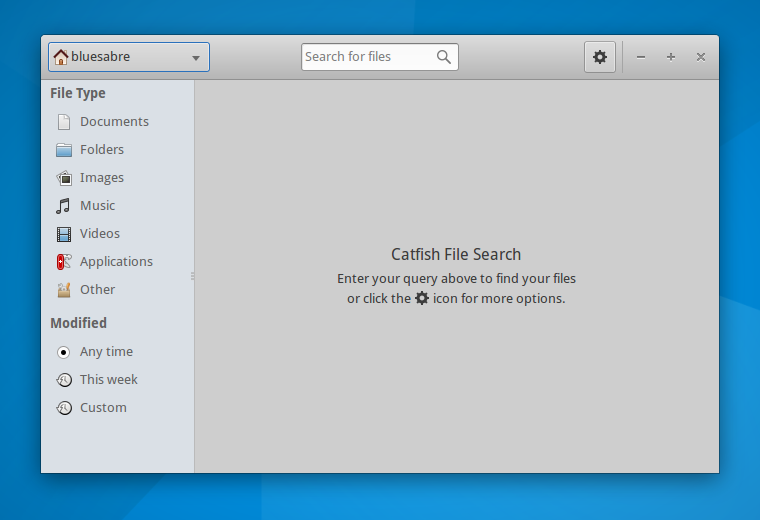
The first release in the Catfish 1.3 development cycle is now out! This development cycle is intended to refine the user interface and improve search speed and responsiveness. Catfish 1.3.0 is all about style.
What’s New?
- The toolbar has been replaced with a Gtk HeaderBar. This better utilizes screen space and makes Catfish more consistent with other Gtk3 applications.
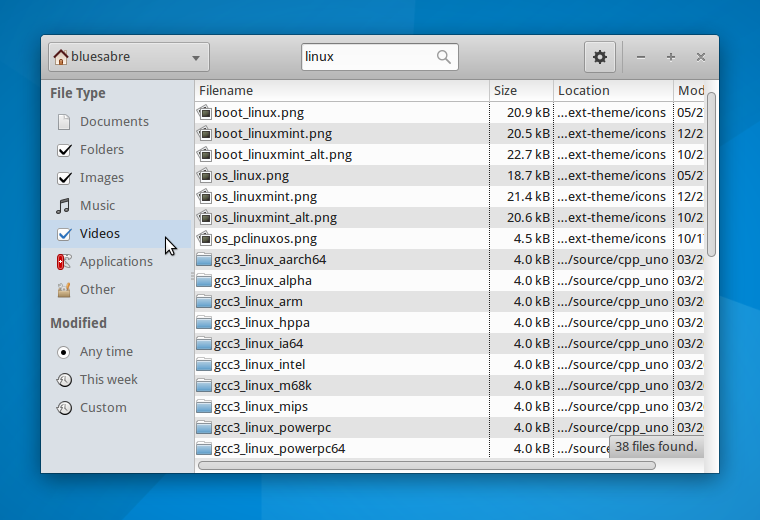
- The sidebar has been cleaned up and now clearly indicates selected options.
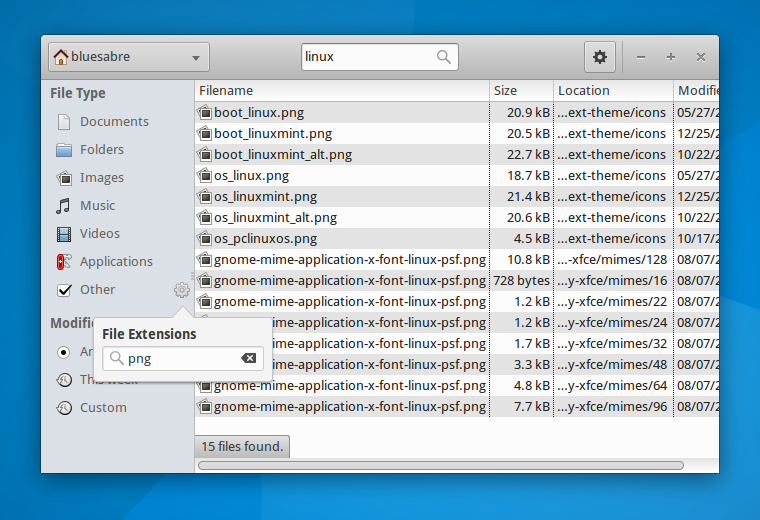
- The file type and modification date dialogs were replaced with Popover widgets. Filter changes are now applied immediately.
- Startup, search, and results views now feature user-friendly “splash screens.”
Bug Fixes
- Catfish will no longer attempt to create thumbnails for Photoshop and SVG files. Recent library versions have caused Catfish to crash.
- Exit application with Ctrl+Q (LP: #1447045)
- Add GenericName to desktop file (LP: #1476401)
- Use the correct locate.db file (LP: #1480064)
- Use unique GUI IDs (LP: #1389896)
Screenshots
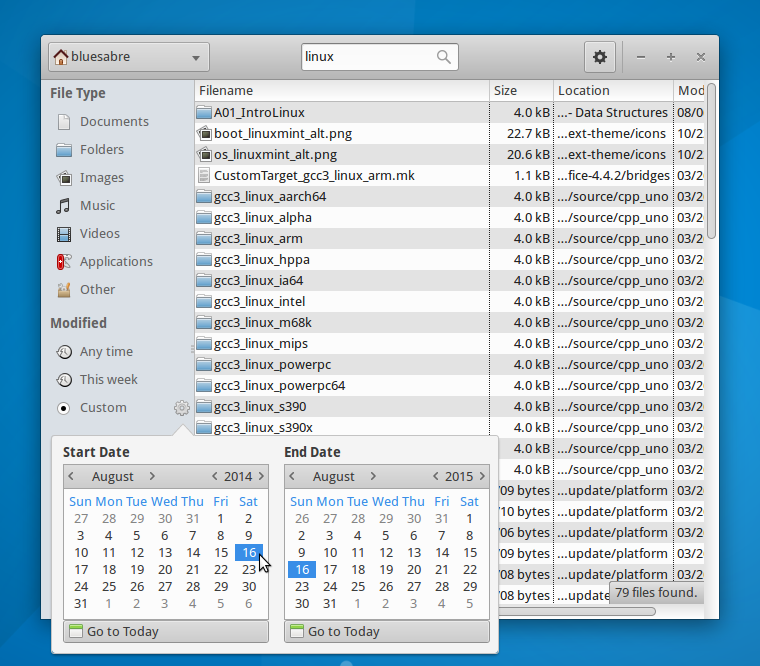
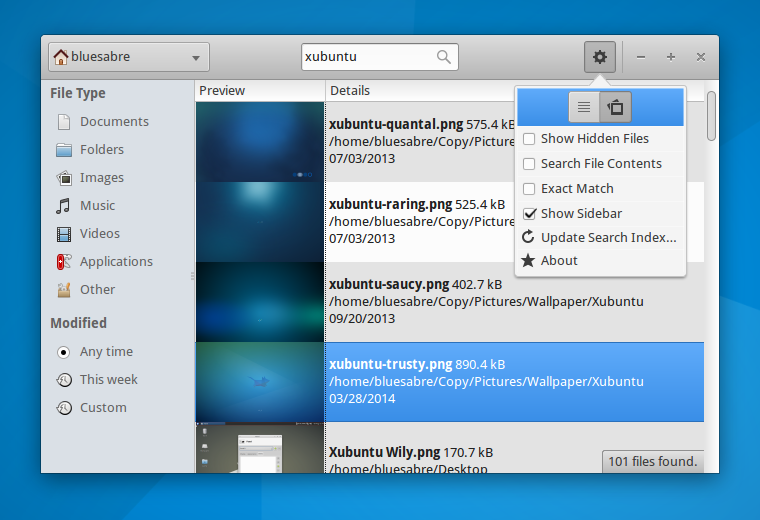
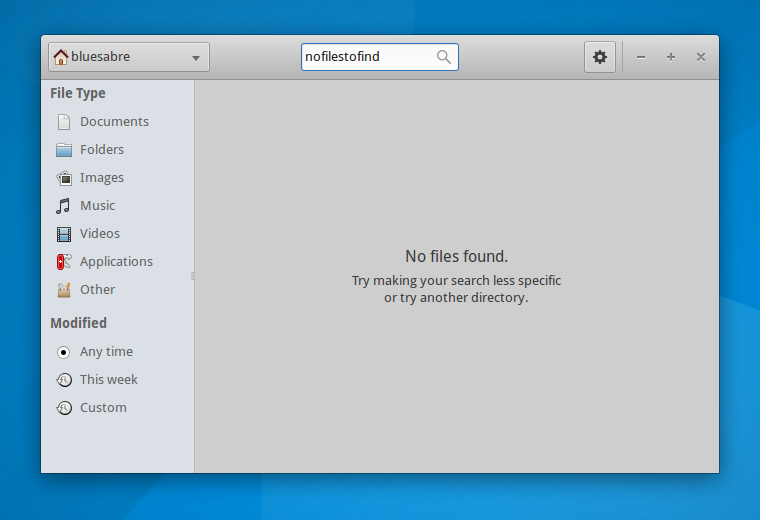
Downloads
The latest version of Catfish can be downloaded from Launchpad. Ubuntu 15.10 “Wily Werewolf” users can install Catfish 1.3.0 from the repositories:
sudo apt-get update
sudo apt-get install catfish
Xfce 4.12, One Week Away
After what seems like an eternity, a new release of Xfce is finally just around the corner. Xfce 4.10 was released in 2012, and since then, development has happened in small bursts for each project. Once a release date was set, interest spiked, and development was along with it.
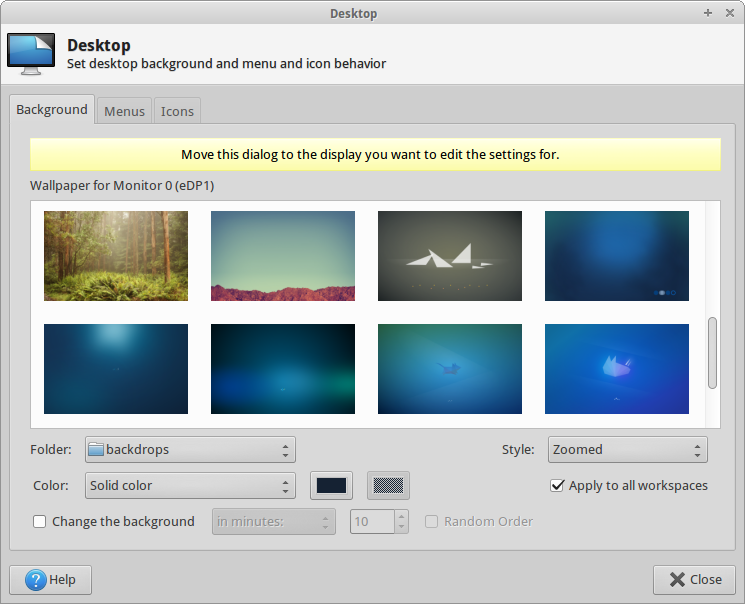
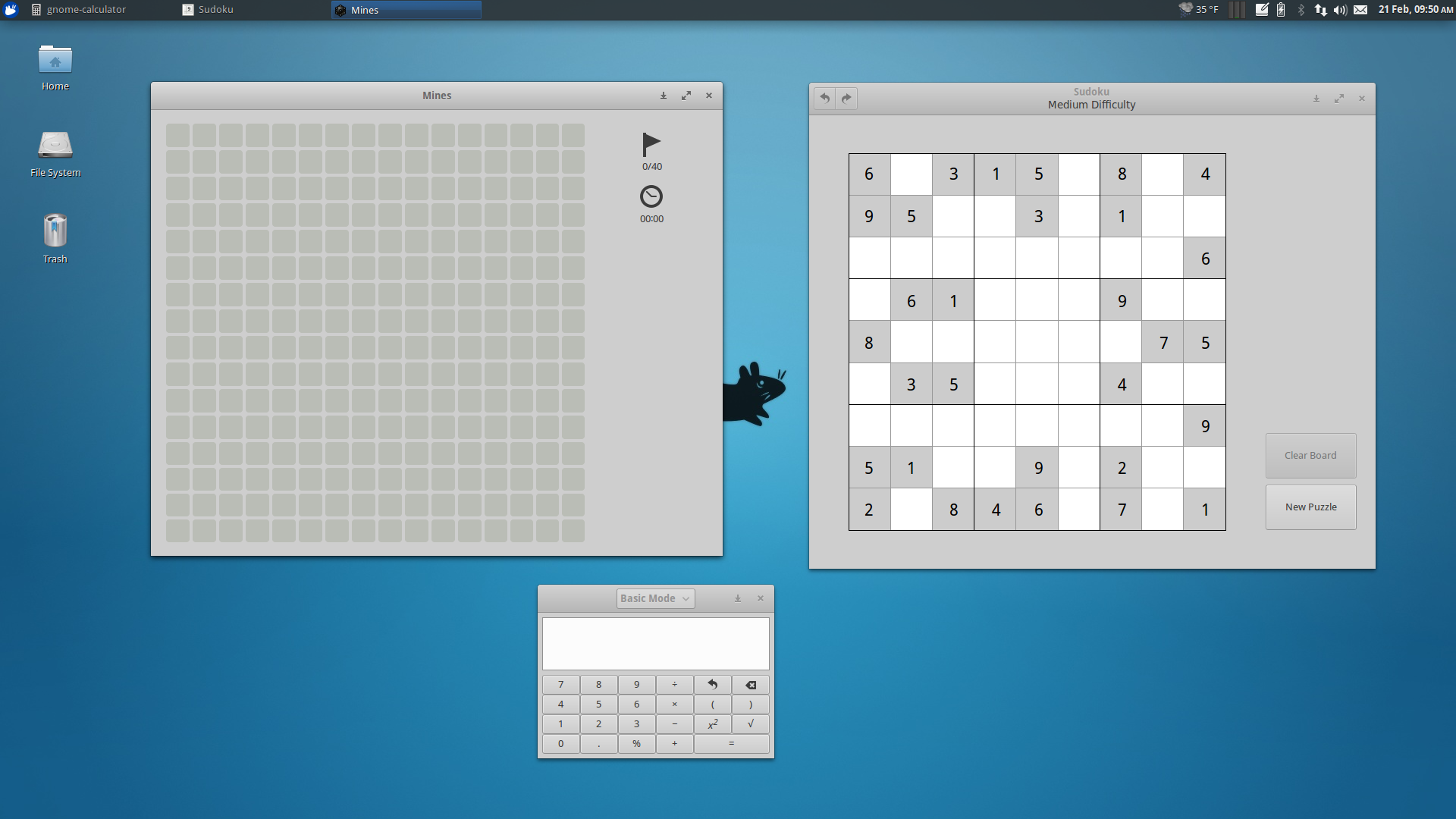
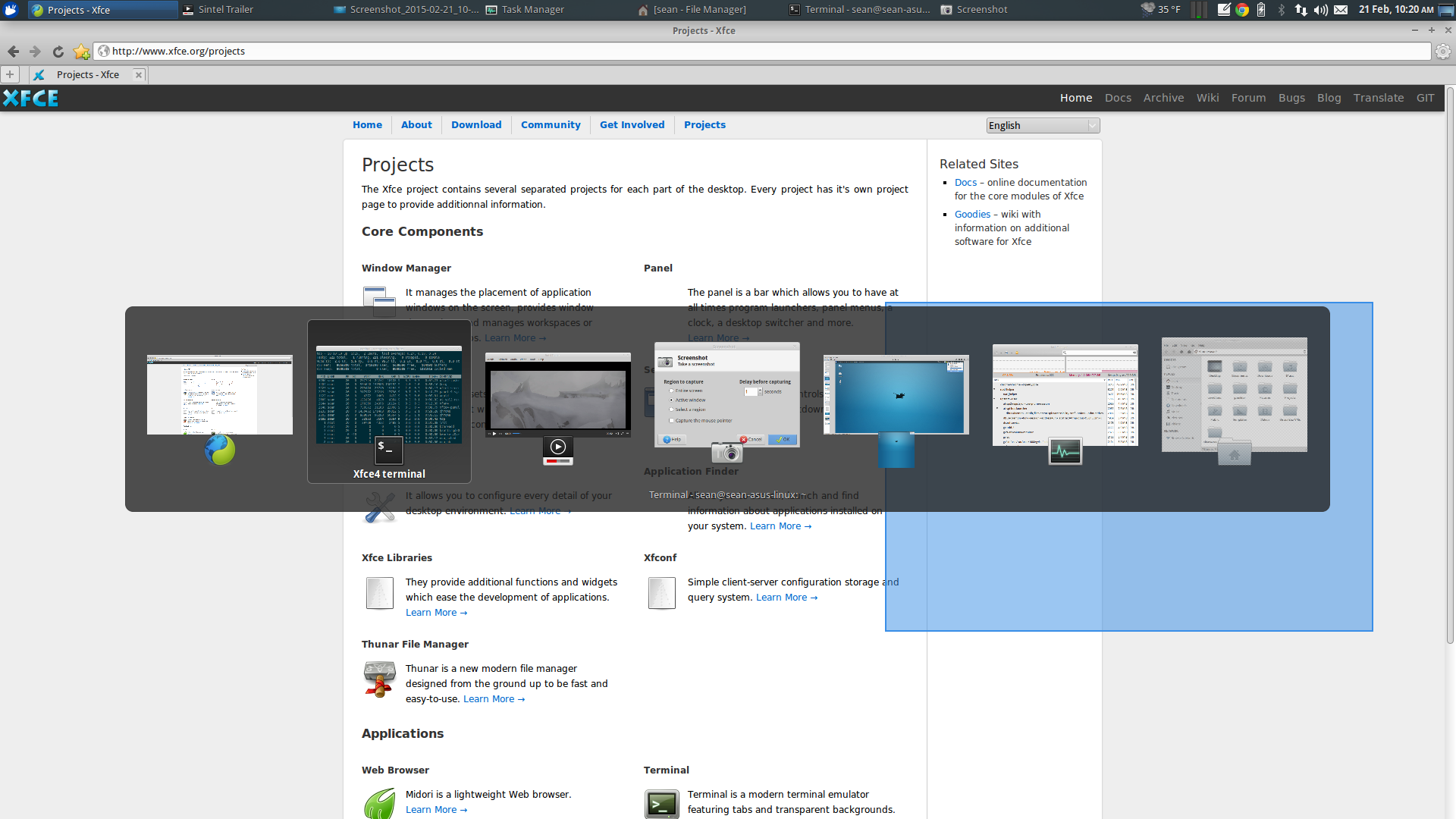
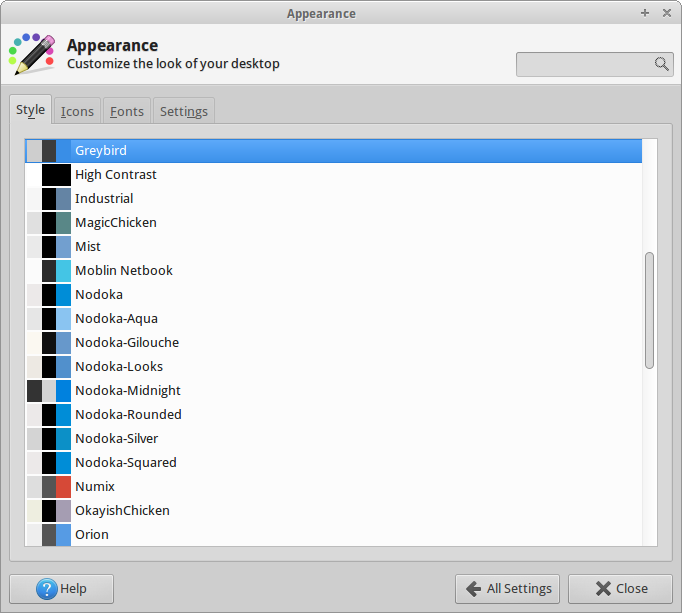
ToZ on the Xfce Forums and Skunnyk in his blog (parts 1, 2, and 3) have recorded the continued development. Both are worth a look to see how far Xfce has come in recent months. If you’re looking for screenshots, you’ll find a few at those links and a gallery at the end of this post.
With just one week until the determined release date (February 28), string freeze is behind us, and all that remains is bug fixes. If you’ve got some development skills, why not swing by the Xfce Bugzilla and provide some patches? Your patches have the best chance of being noticed and merged right now, so your hard work won’t go to waste! And development is not the only way to contribute…
Areas for Contribution
Check out the Xfce Contribute page for more details.
- Fixing “ easy,“ “ critical,“ and any other bugs you never want to see again
- Reviewing bugs and patches: Some bugs date back to 2007, and there is a good possibility they are no longer valid. If you don’t think one applies any longer, comment on it indicating as much.
- Testing: With the sudden influx of fixes and new releases, we need testers more than ever. Try the new releases and let us know if you see anything… odd.
- Translations: Is your native language missing from Xfce? Is the choice of words not quite right? Help us out!
Screenshots
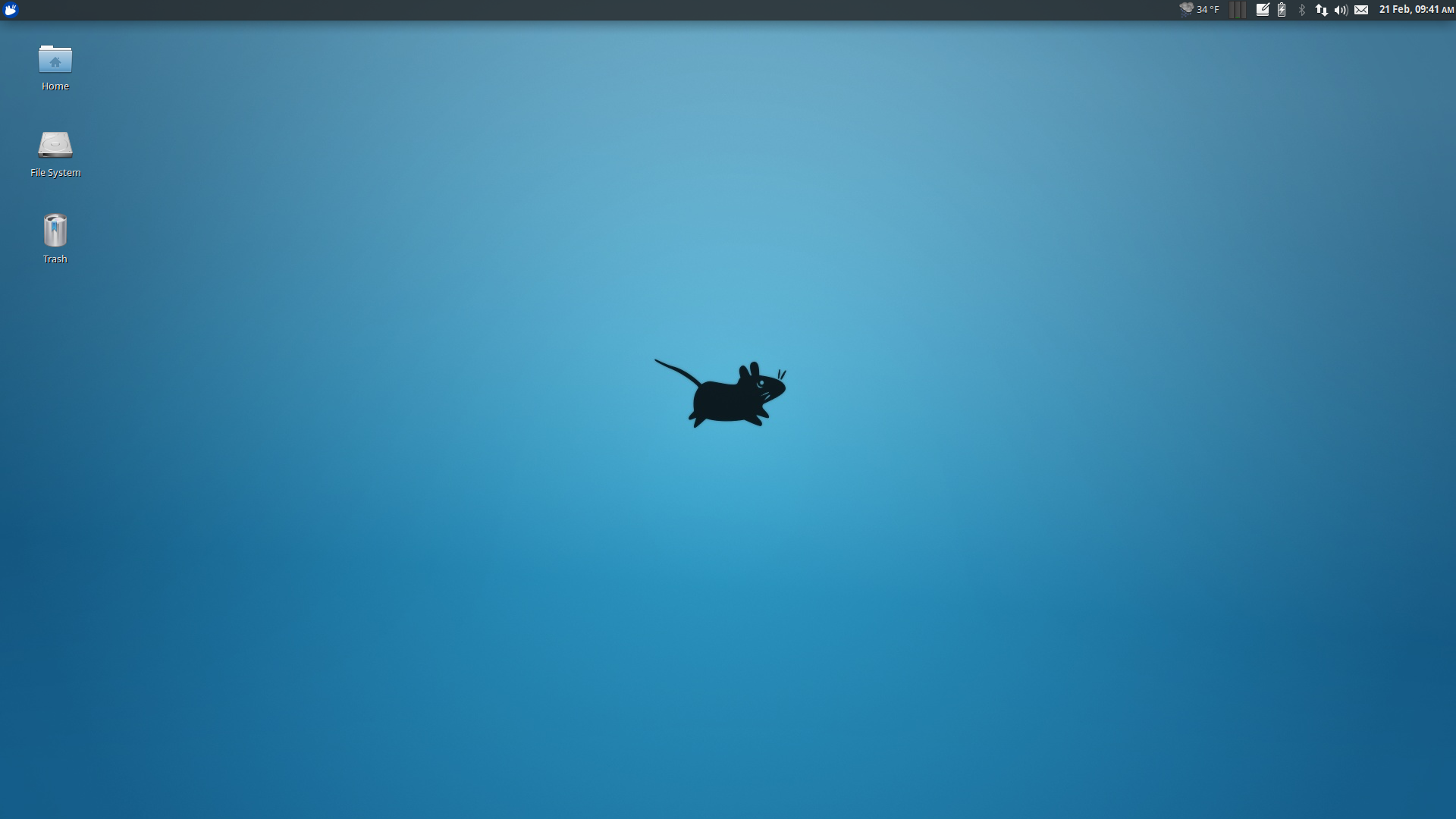
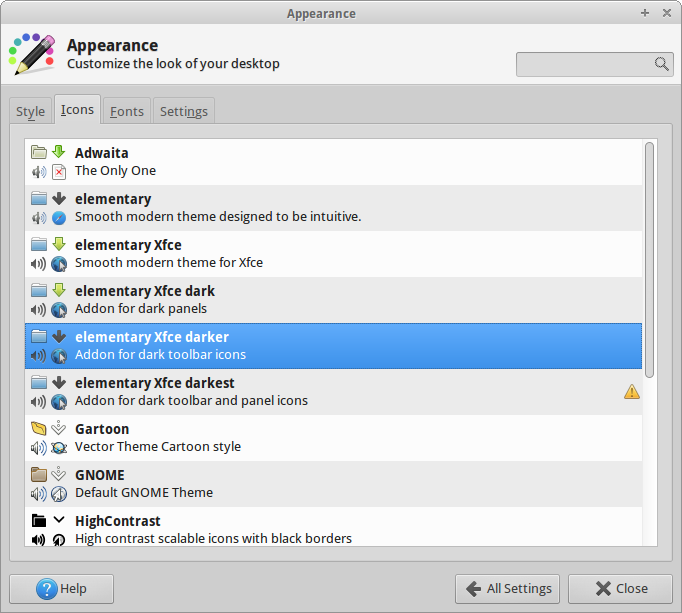
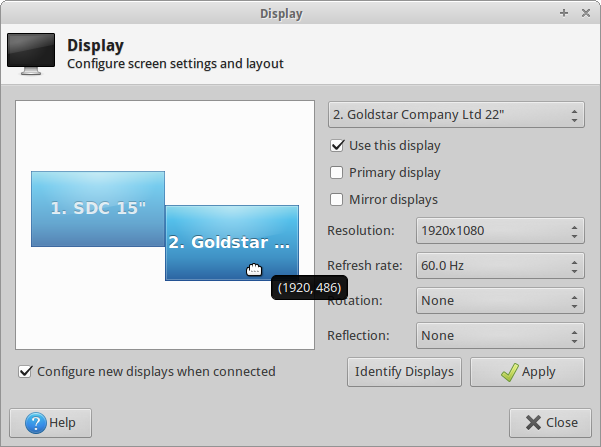
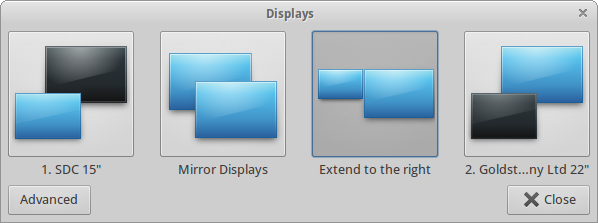
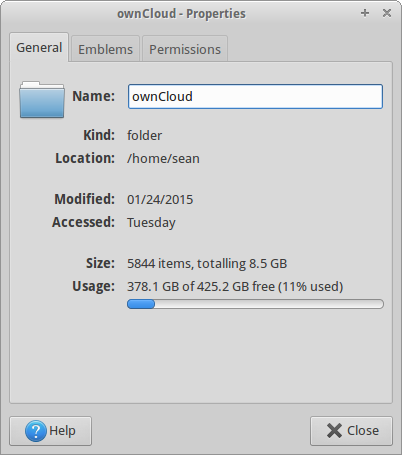
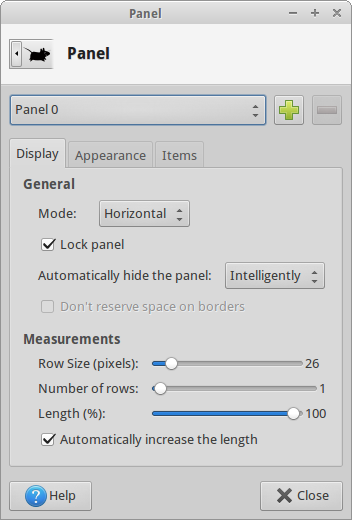
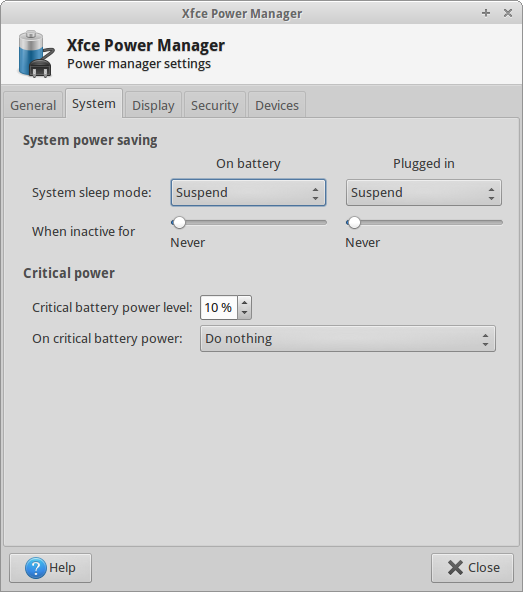
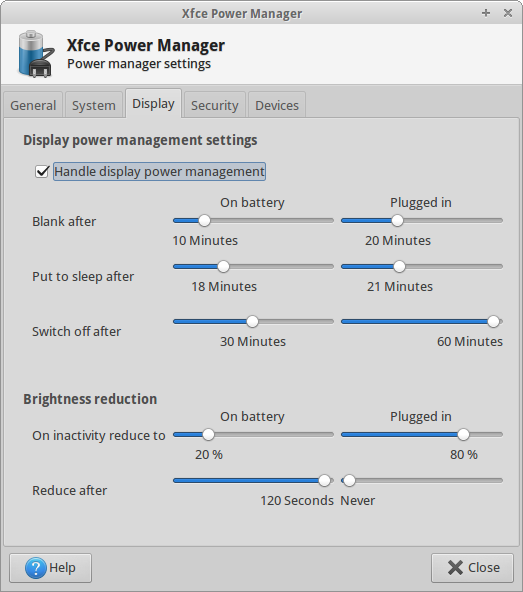
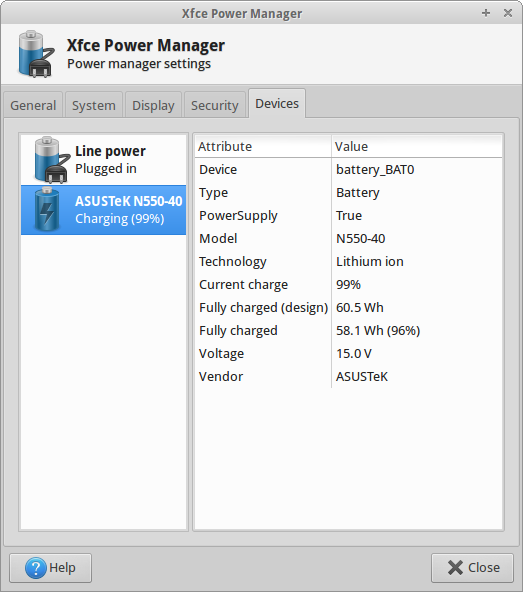
The following screenshots are not an exhaustive list of the new features but rather a select list of highlights in the upcoming release.
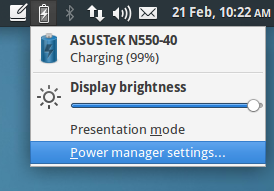
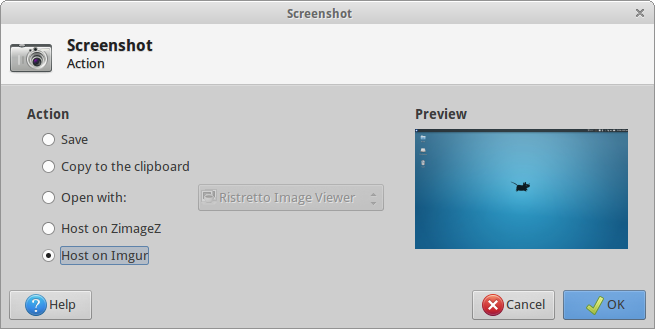
Parole Media Player 0.6.1 Released
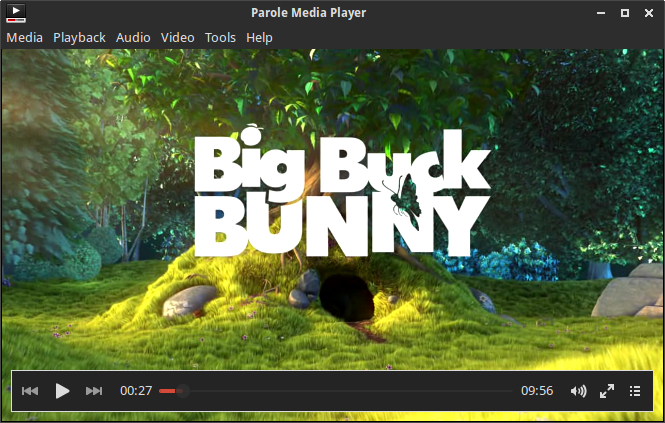
Parole Media Player 0.6.1 improves the user experience, upgrades playlist search, and includes fixes for DVD device enumeration and M3U file loading.
What’s New?
This release builds on the changes from 0.5.90 and 0.5.91.
General Improvements
- Added “Contents” menu item in the Help menu. Goes to online documentation.
- Removed redundant settings button from the playlist
- Improved search in the playlist
- Plugin API documentation updates
Bug Fixes
- Properly use the specified device, and use the correct URI ( LP: #1098323)
- Fixed crash for m3u files with all absolute paths
Parole Media Player has also been patched in Ubuntu 14.04 to load plugins again properly! ( LP: #1286046, LP: #1168810, Xfce #9904)
Screenshots
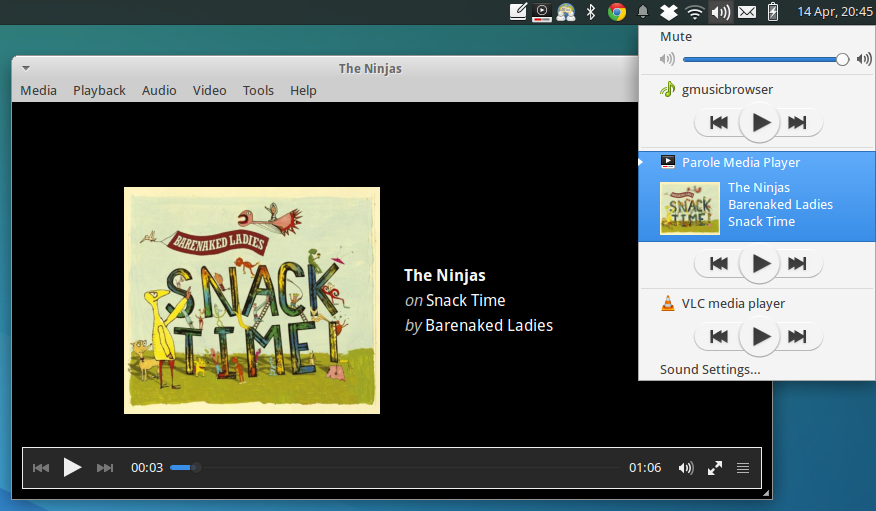
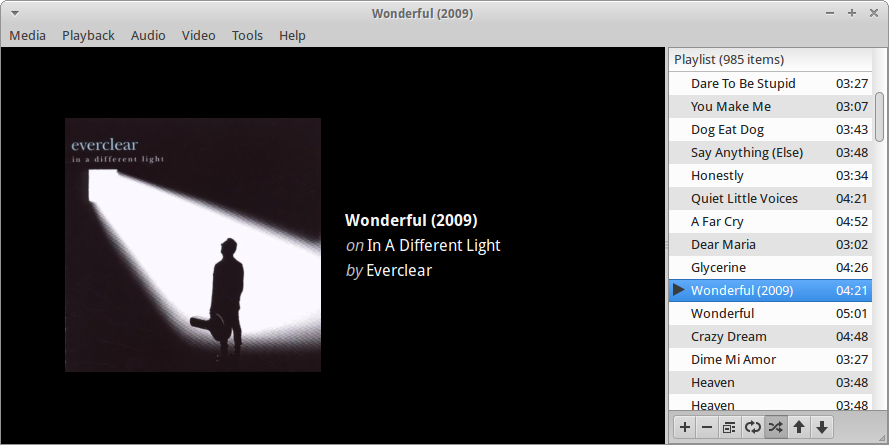
Getting Parole Media Player
Ubuntu 14.04 users will find Parole Media Player 0.6.1 in the repositories.
sudo apt-get update
sudo apt-get install parole
The source files can be downloaded from Parole’s download page for other distributions.
Catfish 1.0.2 Released
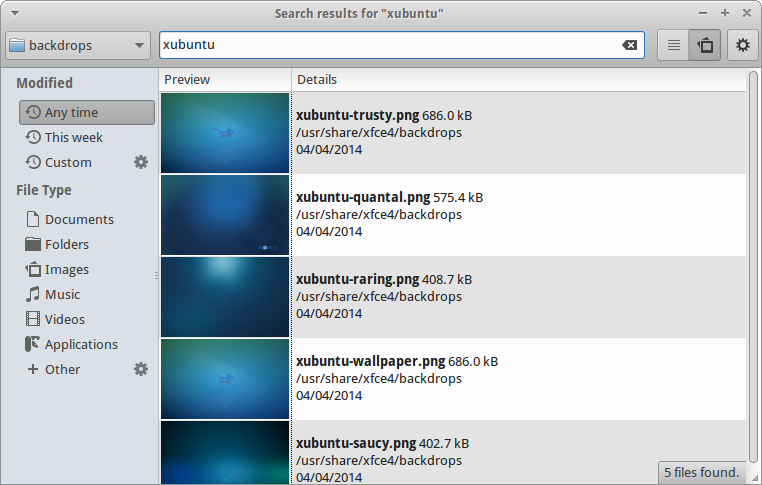
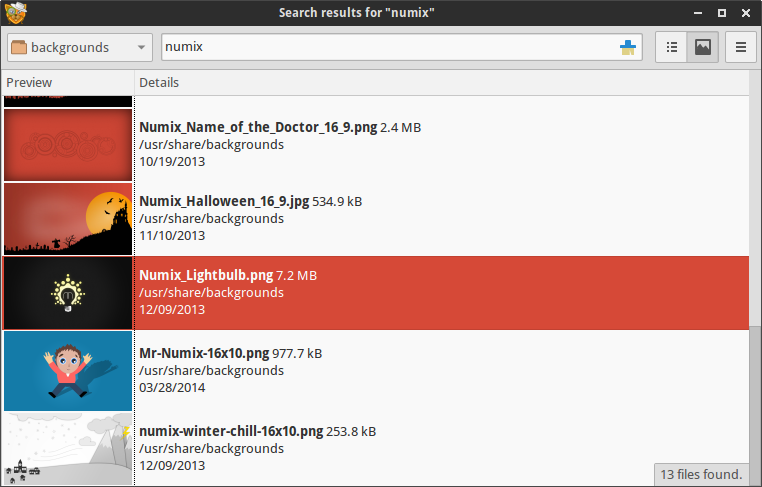
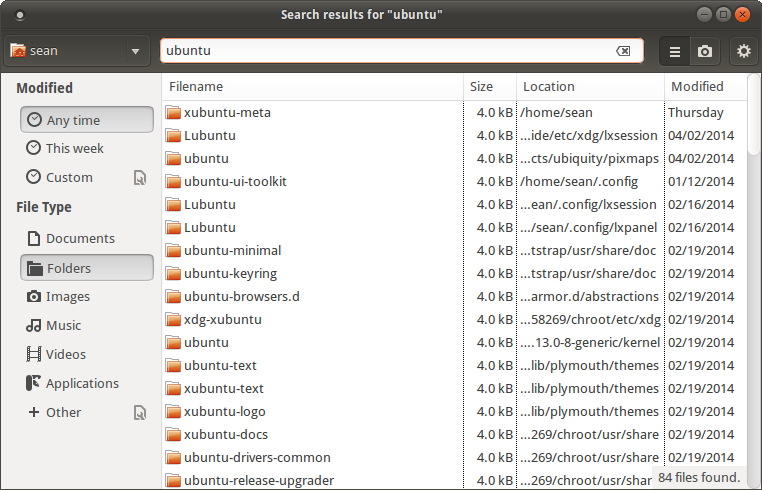
Catfish 1.0.2 has been released with easily accessible view modes and a new search filter for matching directories. More than 20 bug fixes and general improvements round out the release.
What’s New?
I thought the delay in previous release announcements was embarrassing… but several stable releases have been since my last post (0.6.1). I’ll try to keep this brief.
New Features
- Switch to toggle standard and preview modes
- Search filter for directories
General Improvements
- Full Python3 support
- Improved locale and encoding support
- Updated to support the latest PyGObject APIs (minimum 3.6)
- Introduced SudoDialog to handle user authentication (shared with Mugshot)
- Code cleanup, removed unused template code, improved installer
- Improved list logic with item selection
- Interface refresh, mimicking common gnome applications
- Improved handling of symbolic icons
- Improved strings
Bug Fixes
- Fixed CVE-2014-2093 CVE-2014-2094 CVE-2014-2095 CVE-2014-2096 ( Debian #739958, Fedora #1069396)
- Fixed multiple-selection regression ( LP: #1283726)
- Fixed “–thumbnail” startup option ( LP: #1230245)
- Removed embedded copy of pexpect ( LP: #1257500)
- Fixed image loading issues, use icon names available in gnome-icon-theme ( LP: #1258713)
- Fixed untranslatable strings ( LP: #1261181)
- Fixed sidebar width ( LP: #1261185)
- Fixed sidebar coloration ( LP: #1261188)
- Fixed searching mounted shares ( LP: #1274378)
- Fixed PyGObject deprecation warning ( LP: #1228440)
- Fixed python2/3 error that prevented installation ( LP: #1217507)
- Remember sidebar visibility and hidden files toggled ( LP: #1188954)
- Enhanced image thumbnailer ( LP: #1193311)
- Use pexpect and SudoDialog to replace gksu dependency ( LP: #1202085)
- Made Search terms placeholder text translatable ( LP: #1175201)
- Made command line options translateable ( LP: #1175204)
- Fixed crash when directory in PATH does not exist ( LP: #1166079)
- Fixed case sensitivity in search backend ( LP: #1166214)
- Fixed infinite loop when searching for * ( LP: #1165727)
- Fixed executable-not-elf-or-script lintian warnings for Debian packaging
Screenshots
Getting Catfish
Ubuntu Users
If you’re running Ubuntu 12.10 or 13.10, Catfish 1.0.2 is available from the Catfish Stable PPA.
sudo add-apt-repository ppa:catfish-search/catfish-stable
sudo apt-get update
sudo apt-get install catfish
If you’re running Ubuntu 14.04 or newer, Catfish 1.0.2 is available in the Ubuntu repositories.
sudo apt-get update
sudo apt-get install catfish
Everyone Else
You can download the latest source package from the Catfish downloads page if you’re running another Linux distribution.
Parole Media Player 0.5.91 Released
Today I wrap up my week-long “staycation” with the release of Parole Media Player 0.5.91. The media player with the curious name (“parole” means “lyrics” in Italian) continues its steady march towards 0.6 with a new plugin and several fixes.
Release Notes
- Added a new MPRIS2 plugin, thanks to Matias and Hakan (of Pragha fame)
- Added RealMedia video to supported video mime types (bug #10434)
- Fixed untranslatable strings (bug #10418)
- Fixed loading of playlists with relative paths (bug #10436)
- Fixed plugin installation on some platforms (bugs #10142, #10441)
- Fixed failing debug builds on some platforms (bug #10525)
- Fixed broken “Remove Duplicates” functionality
- Fixed playlist searching
- Started Plugin API documentation updates (more on this ahead)
New MPRIS2 Plugin
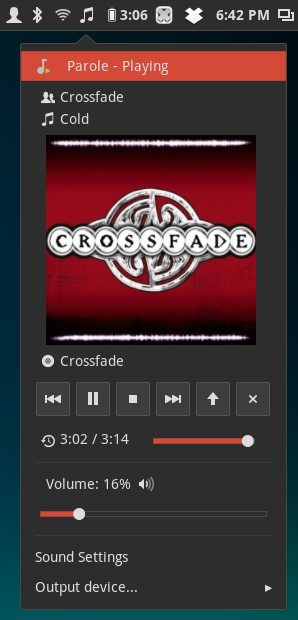
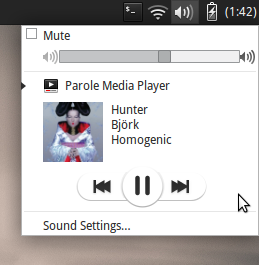
This latest addition is thanks to the hard work of Matias and Hakan, who provided the majority of the effort to create the MPRIS2 plugin. The Media Player Remote Interface Specification (MPRIS) is a standard DBUS interface for controlling media players.
Implementations can be found in most desktop environments, such as the Ubuntu Sound Indicator, the GNOME Shell Media Player extension, and the upcoming Xfce Sound Panel Applet.
Download and Installation
Source packages of Parole Media Player can be downloaded from the Xfce archives. Parole Media Player 0.5.91 can be downloaded directly from here.
Additionally, updated packages should soon arrive in the Xfce 4.12 PPA for Ubuntu users. Exercise caution in enabling this PPA as it contains development packages not meant for the everyday user.
If you encounter any bugs, please report them following our bug reporting guidelines.
Looking for Help
Are you familiar with Gtk documentation tools (gtk-doc)? We’re trying to complete our Plugin API documentation and can use some more experienced individuals to help us out. If interested, let us know in the comments or even send us a merge request. Any help is appreciated!
Parole Media Player 0.5.90 Released
It’s been a while since my most recent post. Since then, I’ve become an official Ubuntu member, Ubuntu (and family) 13.10 was released, and I’ve been hacking on Parole Media Player. Today’s news, however, is all about Parole.
GTK+ 3, GStreamer 1.0, and Bug Fixes Galore
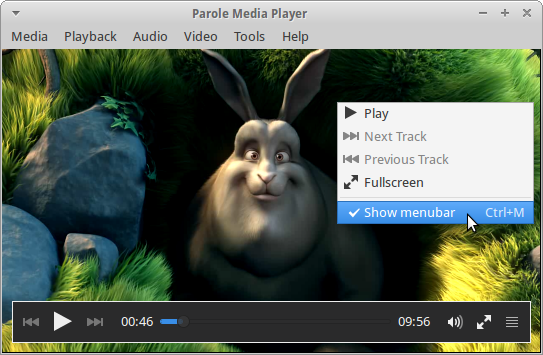
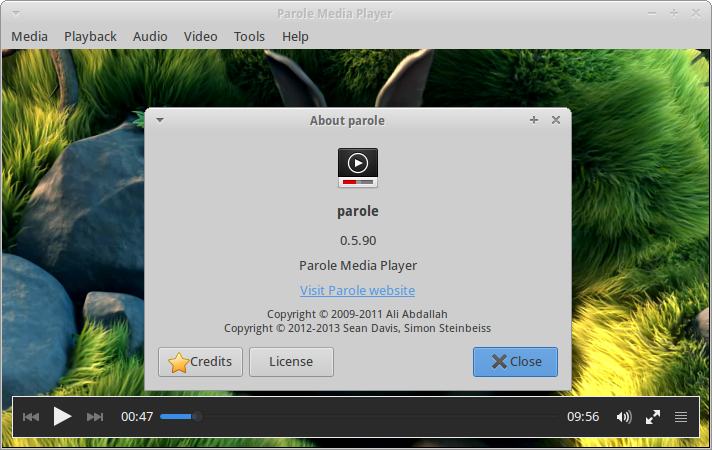
Today marks the first development release of Parole Media Player 0.6 (version 0.5.90). Over the past few weeks, Simon Steinbeiß and I have been focusing our development efforts on bringing together a shiny new version of Parole. We’ve completed porting and refreshing the interface to GTK+ 3, improved GStreamer 1.0 support to the point that we now recommend it instead of 0.10, and fixed many long-standing issues. Here’s the Changelog…
Completed port to GTK+ 3
- Removed deprecated GTK+ 2 symbols
- Use GtkOverlay for the playback controls
- Use symbolic icons for menus and plugins
Improve window maximization
- Window dimensions are no longer saved when maximizing the window
- Added a new Xfconf setting, “window-maximized” to keep your preferred maximization across sessions
Rearranged and improved the menubar
- Renamed the “Edit” menu to “Playback”
- Renamed the “Languages” menu item to “Audio Track”
- Added a new “Tools” menu; moved the “Plugins” and “Preferences” menu items to the “Tools” menu
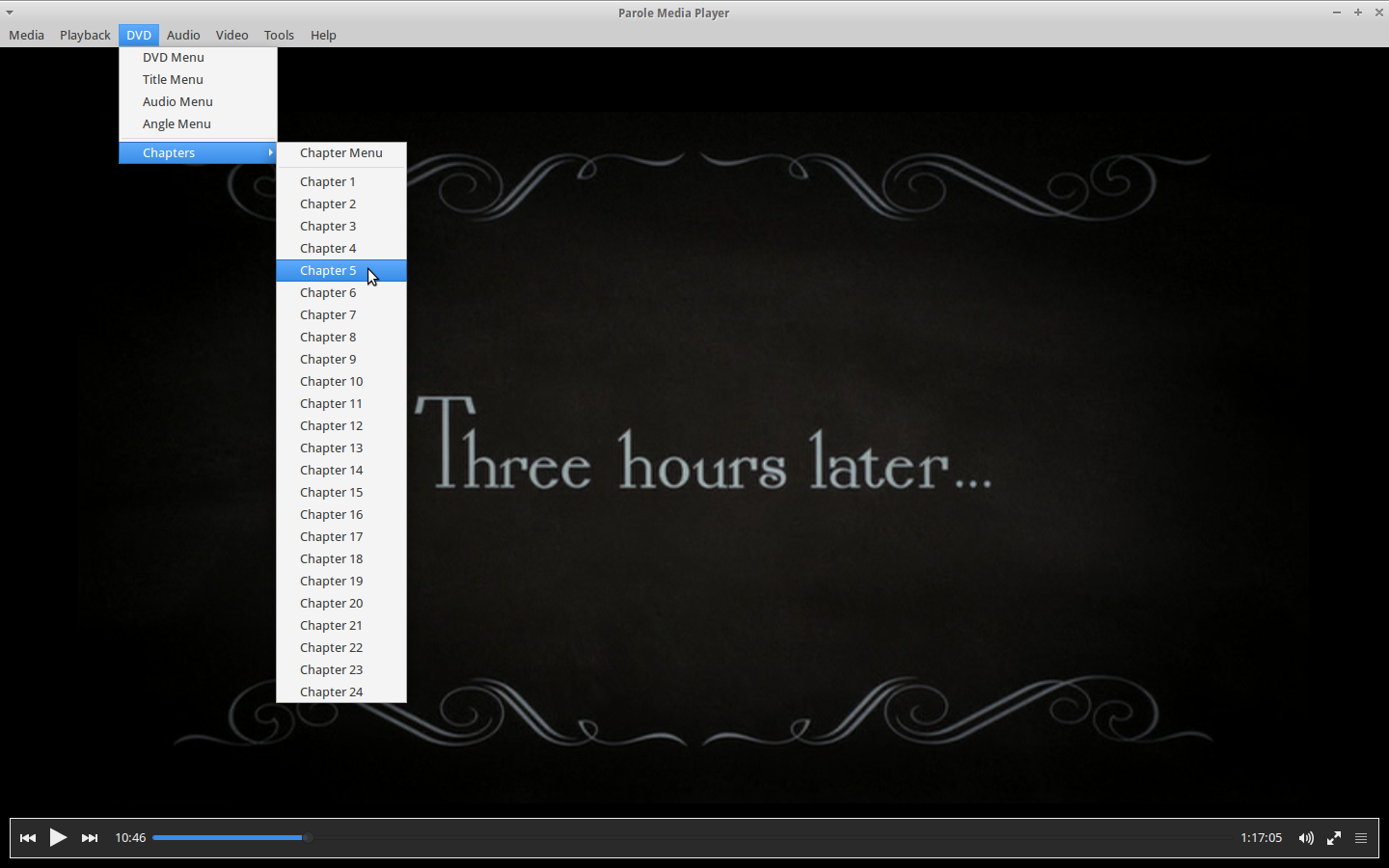
- Added a new “DVD” menu, which houses DVD playback controls and is only shown when a disc is being played
- Added the “Save Playlist” menu item to the “Media” menu
- Added the “Report Bug” menu item to the “Help” menu
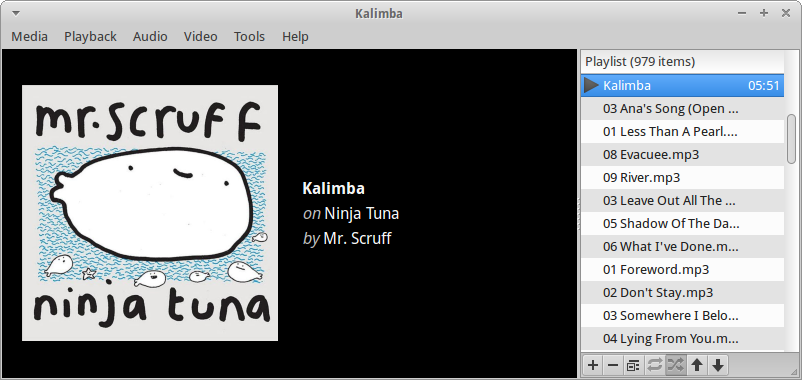
Improved the playlist
- Use an inline toolbar for a more streamlined experience
- Removed the redundant Settings button
- Added Move Up/Down buttons to make reorganizing the playlist easier
Added Previous/Next track actions to the Tray and Notification plugins
Other improvements
- Updated artwork (background image, icons)
- Fixed GStreamer 1.0 support
- Added ability to play DVD ISO files from the Open Dialog
- Improved plugin failure detection so users know something has gone wrong
Bugs fixed
- Missing option to open DVD from ISO ( Bugzilla #10300)
- Allow a playlist to be sorted and/or items to be moved ( Bugzilla #10066)
- Remember playlist option in GUI is not working ( Bugzilla #10269)
- Parole shows irritating edge ( Bugzilla #10081)
Build Requirements
Parole Media Player now has the following requirements (please correct me if I am wrong):
- GTK+ 3.2 or above
- GLib 2.32 or above
- Gio 2.28 or above
- DBus 0.60 or above
- DBus Glib 0.70 or above
- GStreamer: base, video, interface and GStreamer X version 0.10.24 or above
- libxfce4ui 4.11.0 or above
- libxfce4util 4.11.0 or above
Screenshots
How Do Get It?
To get Parole 0.5.90, download the source files from here. Take notice of the new build requirements listed above.
For Ubuntu users, you can get Parole Media Player from my daily PPA:
sudo add-apt-repository ppa:smd-seandavis/xfce-4.12-daily
sudo apt-get update
sudo apt-get install parole
What about GTK+ 2?
All future development efforts will be focused on Parole 0.6 and GTK+ 3. Bug fixes will be provided for the last GTK+ 2 version 0.5.x in the 0.5 branch.
Feedback Requested
We’re doing everything to make Parole 0.6.0 the best release yet. But we need your feedback.
- Found a bug? Please report it at the Xfce Bugzilla, but check here first.
- Do you have a suggestion or question, or want to let us know how we’re doing? Leave a comment, find me on Google+, or contact me on Launchpad.
Catfish 0.6.1 Released
It’s been out for a while now and seems to work well for everyone who’s tested it. Catfish 0.6.1 has been released and is the greatest and fastest version yet.
What’s New in the Catfish 0.6 Series?
Considering I never “officially” announced the 0.6.0 release, there’s quite a bit to go on. Here are some updates from the Changelog.
- Rewritten from the ground up, with an emphasis on speed and maintainability.
- Replaced the ‘find’ system command with Python’s own os.walk.
- The interface has been revamped, improving the 0.4 series and bringing a styled sidebar and symbolic icons.
- Thumbnail support has been improved.
- Filenames can be dragged and dropped from the Catfish application.
- Files can now be deleted directly from the application interface.
- Operations can now be performed on multiple files simultaneously (including the two new features mentioned above).
- Improved wildcard support.
- Simplified strings for easier translation.
- And finally, Python versions 2 or 3 can be used.
Demo Video
Screenshots are boring and don’t show the power and speed of Catfish 0.6.1. So here’s the latest version in a great demo video.
PPA Available for Ubuntu 12.04, 12.10, and 13.04
If you want to install the latest version of Ubuntu (or Lubuntu, Kubuntu, Xubuntu, Mint, etc.), add the Catfish-Stable PPA.
sudo add-apt-repository ppa:catfish-search/catfish-stable
sudo apt-get update
sudo apt-get install catfish
Parole Media Player 0.5.0 Released
Parole Media Player 0.5.0 has been released, several bugs have been fixed, and new features have been introduced. With each release, Parole becomes more stable and user-friendly.
What’s New?
This release mostly addresses a number of bugs that have been plaguing users and introduces a few new features and refinements.
- Fixed some build errors and concerns (bugs #9728 and #9744).
- The show/hide playlist button is now stationary. The window expands and shrinks to accommodate the playlist (bug #9755).
- The mute button now works as a “Toggle Mute On/Off” button (bug #9760).
- The playlist is no longer manipulable while hidden (bug #9762).
- Added full webm file support (bug #9798).
- Fixed aspect ratio calculation (bug #9872).
- Fixed some previously untranslatable strings (bug #9868).
- The timer now updates immediately when seeking (bug #9761).
- Fixed the playlist menu opening offscreen.
- Improved the tray and notifications plugins.
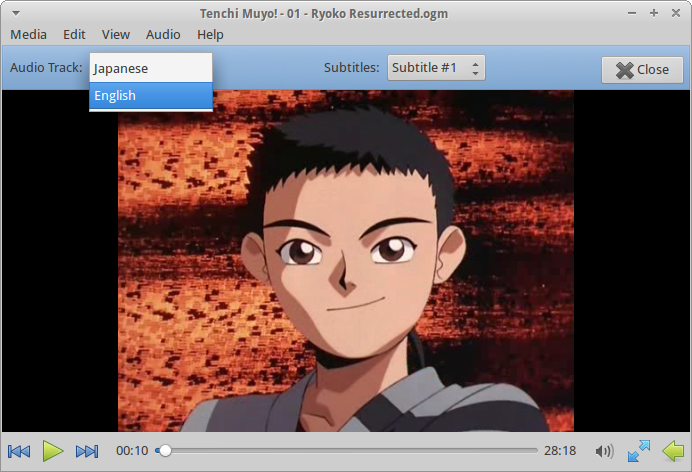
- Locale names are now displayed instead of the codes for audio tracks and subtitles.
- Added (optional) GStreamer 1.0 support.
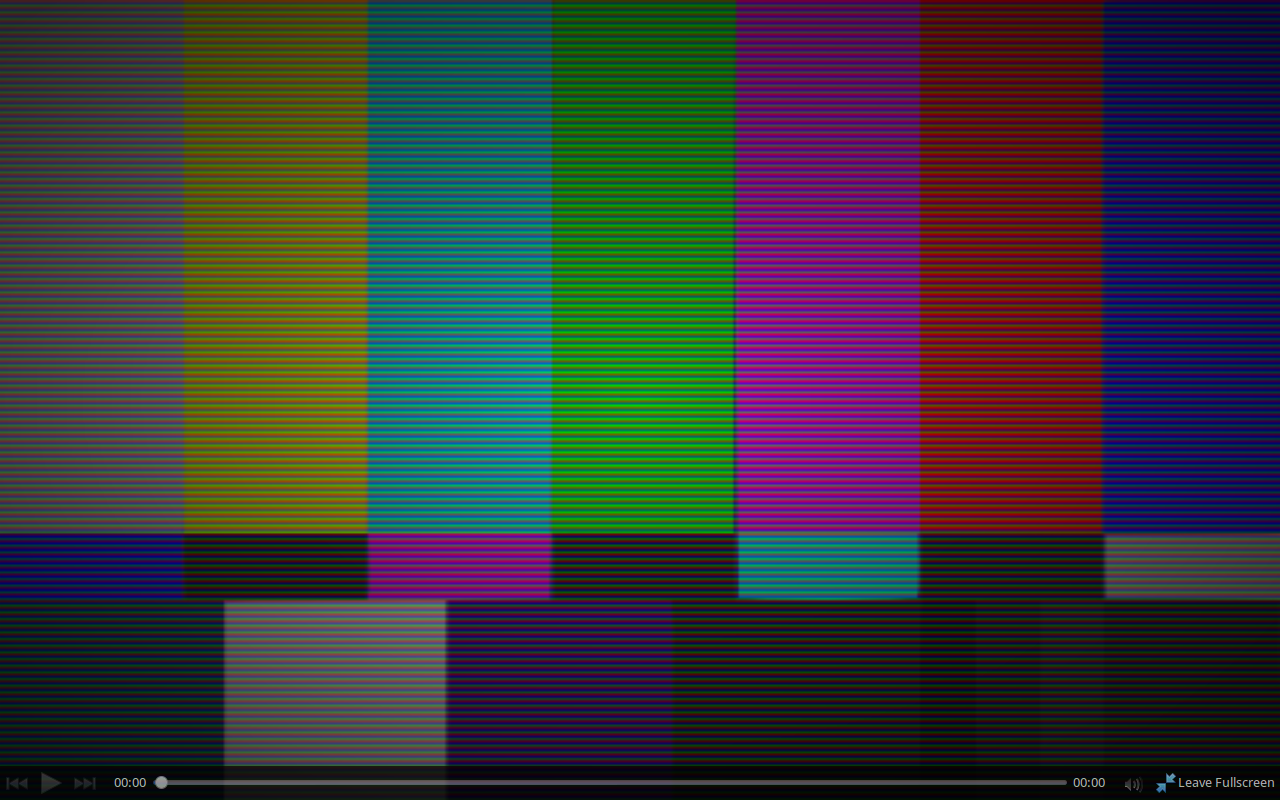
- Added theming to the player control when in fullscreen (see screenshot below).
- Removed the Power Manager plugin now that Parole has full power-manager support built-in.
- Removed the scrollwheel event from the progress scale.
- Additional minor improvements.
New Feature Screenshots

Download Parole Media Player 0.5.0
Ubuntu 13.04 users, rejoice! Parole is now available in the repositories. Everyone else, you can download the source code from the following links.
- http://archive.xfce.org/src/apps/parole/0.5/parole-0.5.0.tar.bz2
- http://archive.xfce.org/src/apps/parole/0.5/parole-0.5.0.tar.bz2.md5
- http://archive.xfce.org/src/apps/parole/0.5/parole-0.5.0.tar.bz2.sha1
SHA1 checksum: c34a33f92534a93c4cb1b92c4c8ab09f36871fe6
MD5 checksum: d8adad20ee95dfca3082812ca44be122
Contributing
If you’re interested in helping out with the development of Parole Media Player, there’s a number of ways you can help. The easiest, by far, is by reporting bugs at the Xfce Bugzilla. If you’re having difficulties, there’s a good possibility you’re not alone. So go ahead, and let us know what’s up! Similarly, we’re always in need of development support. If you’ve got some programming chops, head on over to the git repository! Finally, one of our (perhaps lofty) goals for the next version of Parole is documentation. If you’re experienced at creating useful and understandable documentation, or if you’re just ready to start, we’ve got a clean canvas waiting for you are the Xfce Documenation site.
So, what do you think of the latest Parole? Is it good? Bad? Let us know in the comments!
Catfish 0.6 Released
Catfish 0.6 features a complete rewrite, easier translations, and better-than-ever stability and performance. It also needs your help if you speak a language other than English.
What’s New in Catfish 0.6?
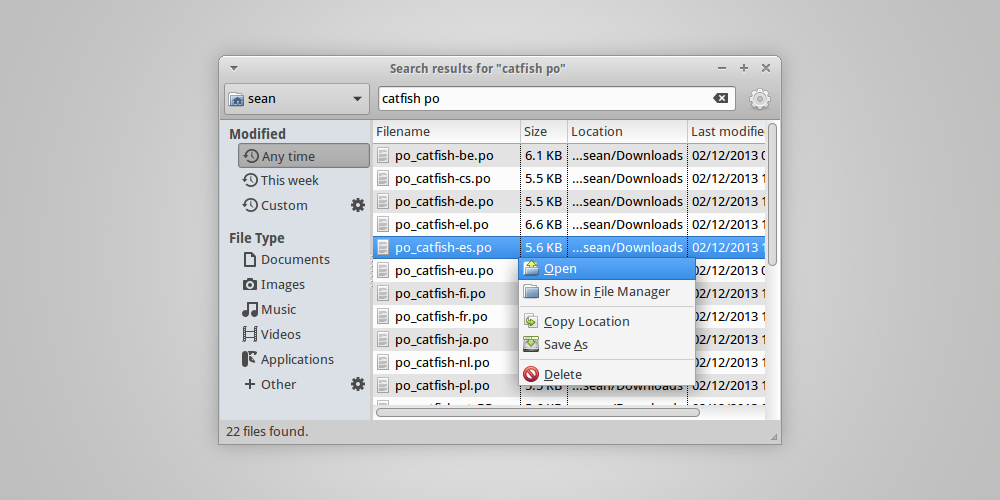
- Completely rewritten from the ground up.
- The UNIX ‘find’ command has been replaced with Python’s os.walk. This makes everything faster and more responsive. The “Deep Search” button is also gone.
- The sidebar now uses the theme style and symbolic icons (when available).
- The interface has also had a number of other tweaks, further refining it into a professional-grade application.
- File names can now be dragged from the search results into other applications.
- Files can now be deleted from the results window.
- To speed things up, these above items and other file actions can now be performed simultaneously on multiple files.
- Strings have been simplified and made clearer, making the application easier to translate into other languages.
- Last but not least, this is the first version of Catfish that can be run with either Python 2 or 3.
Translations Needed
With the newly optimized interface and strings, there’s a need for new translations. There are more strings than ever before, and I think the number of users is growing as well. As such, there is a growing need for more localizations than ever before. And all of the old translations are no longer compatible.
So, if you or a friend are interested in contributing, improving, or suggesting translations for the next release, check out the Launchpad translations page! With their handy interface, creating and modifying translations is really as simple as can be. And hurry because this next release will likely happen this weekend and will include all completed translations!
What About the Code?
If you’re interested in looking at or testing the code, you can check it out here. If you find any bugs, be sure to report them on the Launchpad bugs page.
Thanks for your interest in Catfish! What do you think? Let me know in the comments!