Exo 0.11.4 Released
What’s New in Exo 0.11.4?
The release of Exo 0.11.4 completes the GTK 3 port and can now be used for GTK 2 or 3 Xfce application development.
New Features
GTK Extensions
- Added
exo_gtk_dialog_get_action_area - Added
exo_gtk_dialog_add_secondary_button - GTK+ 3: Added support for the “insensitive” state in
exo_cell_renderer_icon
Helpers
- WebBrower: Added Brave, Google Chrome, and Vivaldi
- MailReader: Added Geary, dropped Opera Mail (no longer available for Linux)
Bug Fixes
- Removed
--disable-debugflag frommake distcheck(Xfce #11556)
Icons
- Replaced non-standard gnome-* icons
- Replaced non-existent “missing-image” icon
Deprecations
- Dropped
gdk_window_process_updatesfor GTK+ 3.22 - Replaced
gdk_pixbuf_new_from_inlineusage - Replaced
gdk_screen_*usage - Replaced
gtk_style_context_get_background_colorusage - Removed warnings for
gtk_dialog_get_action_areaandGioScheduler
Translation Updates
Arabic, Catalan, Chinese (China), Danish, Dutch, French, German, Hebrew, Indonesian, Korean, Lithuanian, Portuguese (Brazil), Russian, Spanish, Swedish
Downloads
The latest version of Exo can always be downloaded from the Xfce archives. Grab version 0.11.4 from the below link.
- SHA-256: 54fc6d26eff4ca0525aed8484af822ac561cd26adad4a2a13a282b2d9f349d84
- SHA-1: 49e0fdf6899eea7aa1050055c7fe2dcddd0d1d7a
- MD5: 7ad88a19ccb4599fd46b53b04325552c
Xfce Settings 4.13.1 Released
Xfce Settings 4.13.1, The second release of the GTK 3 porting effort, is now ready for testing (and possibly general use). Check it out!
What’s New?
This release now requires Xfconf 4.13+.
New Features
- Appearance Settings: New configuration option for default monospace font
- Display Settings: Improved support for embedded DisplayPort connectors
Bug Fixes
- Display Settings: Fixed drawing of displays, which was hit-and-miss before; now it’s guaranteed
- Display Settings: Fixed drag-n-drop functionality; the grab area occupied the space below the drawn displays
- Display Settings (Minimal): The mini dialog now runs as a single instance, which should help with some display drivers (Xfce #11169)
- Fixed linking to dbus-glib with Xfconf 4.13+ (Xfce #13633)
Deprecations
- Resolved
gtk_menu_popupandgdk_error_trap_popdeprecations - Ignoring
GdkScreenandGdkCairodeprecations for now. Xfce shares this code with GNOME and Mate, and they have not found a resolution yet.
Code Quality
- Several indentation fixes
- Dropped duplicate drawing code, eliminating another deprecation in the process
Translation Updates
Arabic, Bulgarian, Catalan, Chinese (China), Chinese (Taiwan), Croatian, Danish, Dutch, Finnish, French, Galician, German, Greek, Hebrew, Indonesian, Italian, Japanese, Kazakh, Korean, Lithuanian, Malay, Norwegian Bokmal, Norwegian Nynorsk, Occitan, Portuguese, Portuguese (Brazil), Russian, Serbian, Slovak, Spanish, Swedish, Thai, Ukrainian
Downloads
The latest version of Xfce Settings can always be downloaded from the Xfce archives. Grab version 4.13.1 from the below link.
http://archive.xfce.org/src/xfce/xfce4-settings/4.13/xfce4-settings-4.13.1.tar.bz2
- SHA-256: 01b9e9df6801564b28f3609afee1628228cc24c0939555f60399e9675d183f7e
- SHA-1: 9ffdf3b7f6fad24f4efd1993781933a2a18a6922
- MD5: 300d317dd2bcbb0deece1e1943cac368
Exo 0.11.3 Released
Xfce 4.14 development has been picking up steam in the past few months. With the release of Exo 0.11.3, things will only get steamier.
What is Exo?
Exo is an Xfce library for application development. It was introduced years ago to aid the development of Xfce applications. Although it’s not used quite as heavily these days, you’ll still find Exo components in Thunar (the file manager) and the Xfce Settings Manager.
Exo provides custom widgets and APIs that extend the functionality of GLib and GTK+ (both 2 and 3). It also provides the mechanisms for defining preferred applications in Xfce.
What’s New in Exo 0.11.3?
New Features
exo-csource: Added a new--outputflag to write the generated output to a file (Xfce #12901)exo-helper: Added a new--queryflag to determine the preferred application (Xfce #8579)
Build Changes
- Build requirements were updated. Exo now requires GTK+ 2.24, GTK 3.20, GLib 2.42, and libxfce4ui 4.12
- Building GTK+ 3 libraries is no longer optional
- The default debug setting is now “yes” instead of “full.” This means that builds will not fail if there are deprecated GTK+ symbols ( and there are plenty).
Bug Fixes
- Discard preferred application selection if the dialog is canceled (Xfce #8802)
- Do not ship generic category icons; these are standard (Xfce #9992)
- Do not abort builds due to deprecated declarations (Xfce #11556)
- Fix crash in Thunar on selection change after directory change (Xfce #13238)
- Fix crash in exo-helper-1 from GTK 3 migration (Xfce #13374)
- Fix ExoIconView being unable to decrease its size (Xfce #13402)
Documentation Updates
- Add missing per-release API indices
- Resolve undocumented symbols (100% symbol coverage)
- Updated project documentation ( HACKING, README, THANKS)
Translation Updates
Amharic, Asturian, Catalan, Chinese (Taiwan), Croatian, Danish, Dutch, Finnish, Galician, Greek, Indonesian, Kazakh, Korean, Lithuanian, Norwegian Bokmal, Norwegian Nynorsk, Occitan, Portuguese (Brazil), Russian, Serbian, Slovenian, Spanish, Thai
Downloads
The latest version of Exo can always be downloaded from the Xfce archives. Grab version 0.11.3 from the below link.
http://archive.xfce.org/src/xfce/exo/0.11/exo-0.11.3.tar.bz2
- SHA-256: 448d7f2b88074455d54a4c44aed08d977b482dc6063175f62a1abfcf0204420a
- SHA-1: 758ced83d97650e0428563b42877aecfc9fc3c81
- MD5: c1801052163cbd79490113f80431674a
Parole Media Player 0.9.2 Released
With a huge code cleanup effort, complete plugin development documentation, and numerous bug fixes, Parole Media Player 0.9.2 paves the way for future development.
What’s New?
General
- Homepage updated to docs.xfce.org
- Xfce URLs were switched to HTTPS
New Features
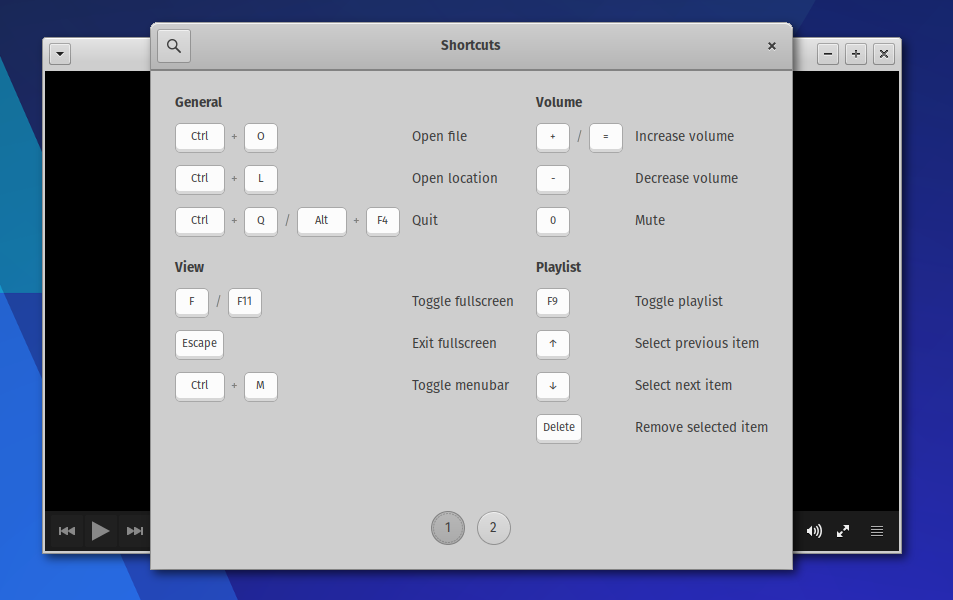
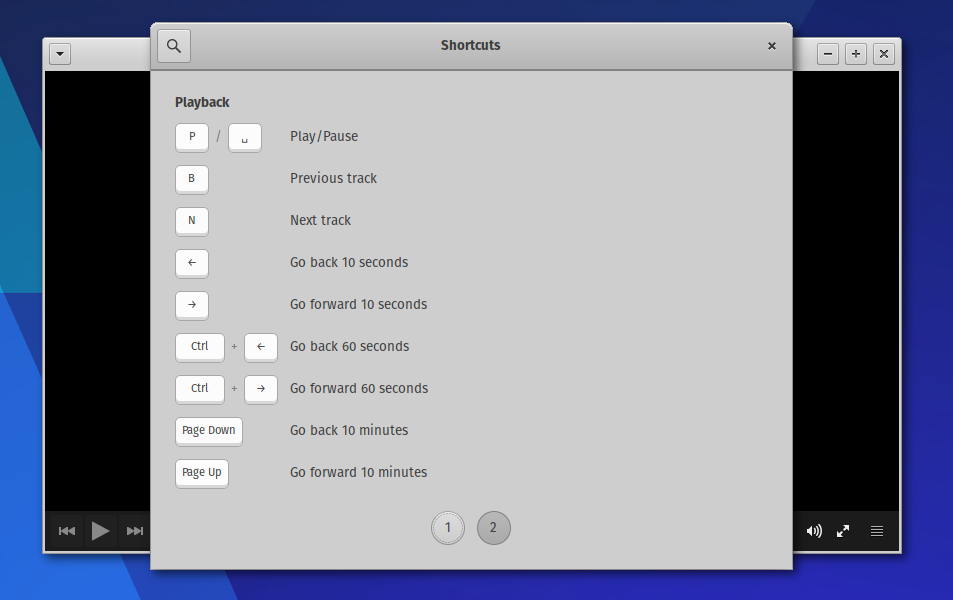
- A new keyboard shortcut helper was added to the Help menu
- New B and N keybindings for the previous and next track
Bug Fixes
- Null pointer dereference (Coverity #1375856)
- Adding directories to the queue from the commandline (Xfce #12899)
- Shuffle functionality also repeats indefinitely (Xfce #12010)
- The display order of audio and subtitle tracks is wrong (Xfce #13268)
- “Clear Recent” functionality clears all history (Xfce #13493)
- Ctrl + Q keybinding does not work in fullscreen (Xfce #13549)
- Strings are not properly escaped in the audiobox widget
Documentation
- Completed the Parole Plugins documentation (100% symbol coverage)
- Improved documentation quality
- Corrected several typos
Code Quality
Most of these issues were identified using the excellent cpplint tool.
- Standardized header guards
- Standardized includes
- Added directory path when naming .h files
- Made numerous whitespace fixes
- Added braces for if/else bodies with multiple statements
- The string length was reduced to 120 characters per line
- Cleaned up the .gitignore and added more definitions
Translation Updates
Bulgarian, Catalan, Chinese (China), Chinese (Taiwan), Croatian, Czech, Danish, Dutch, French, German, Greek, Hebrew, Indonesian, Italian, Korean, Lithuanian, Malay, Norwegian Bokmal, Polish, Portuguese, Portuguese (Brazil), Russian, Serbian, Slovak, Spanish, Swedish, Thai, Ukrainian
Screenshots
Downloads
The latest version of Parole Media Player can always be downloaded from the Xfce archives. Grab version 0.9.2 from the below link.
http://archive.xfce.org/src/apps/parole/0.9/parole-0.9.2.tar.bz2
- SHA-256: fdd3cbe7b8a74cba6176694e742b44734ee435bb937ec94f59e69b957857c79d
- SHA-1: 330c81fdcd79f0442e03848c4e63030a8fb047d7
- MD5: 209d5f2342708b0eaa940d4ca0087cba
Parole Media Player 0.9.0 Released
Development for the Xfce media player is back on! Well over a year since the last release, Parole Media Player 0.9.0 brings a fresh set of features and fixes.
What’s New?
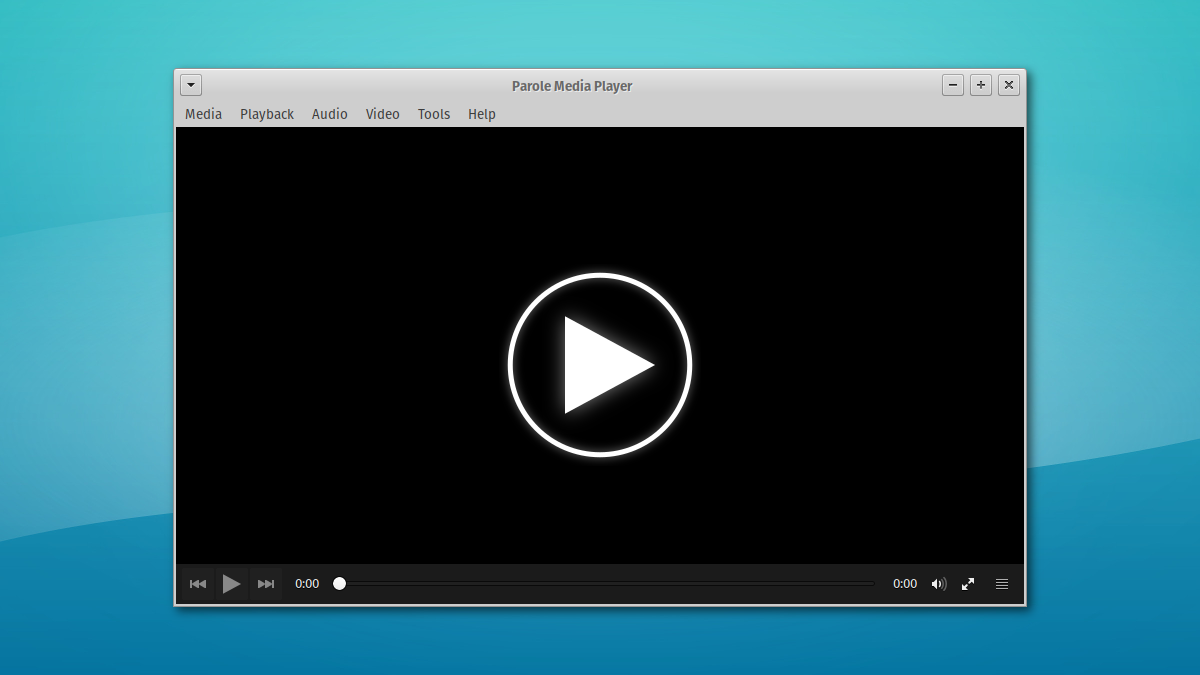
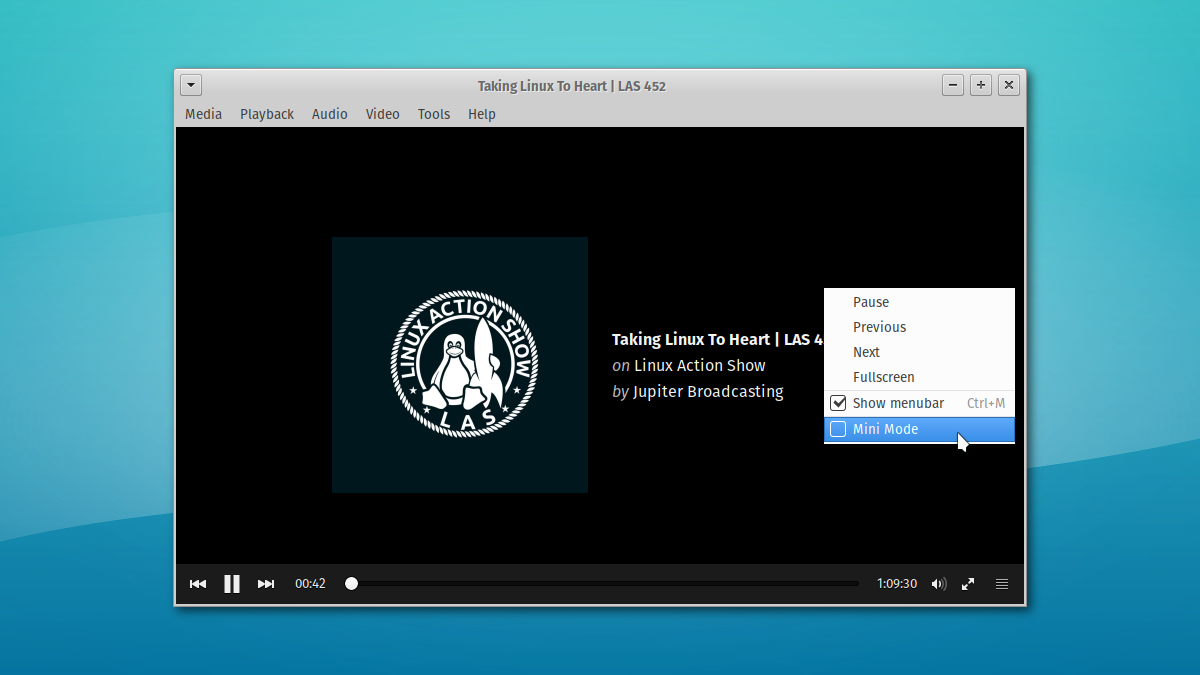
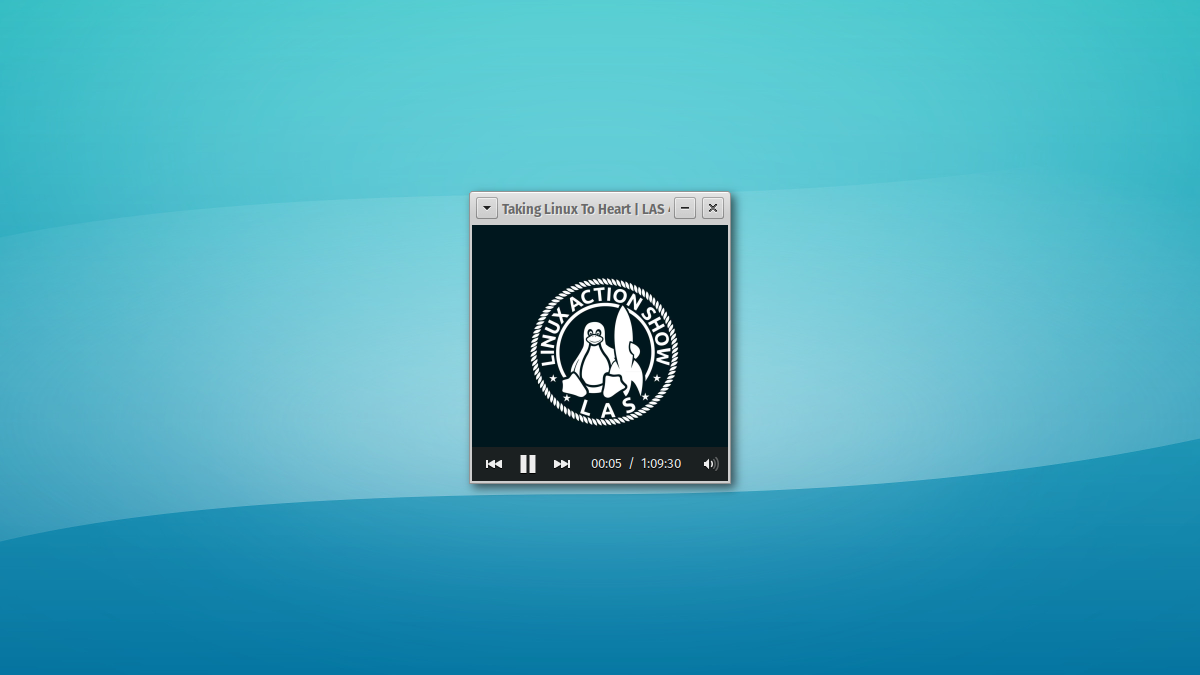
- New “mini mode”, activated from the right-click menu.
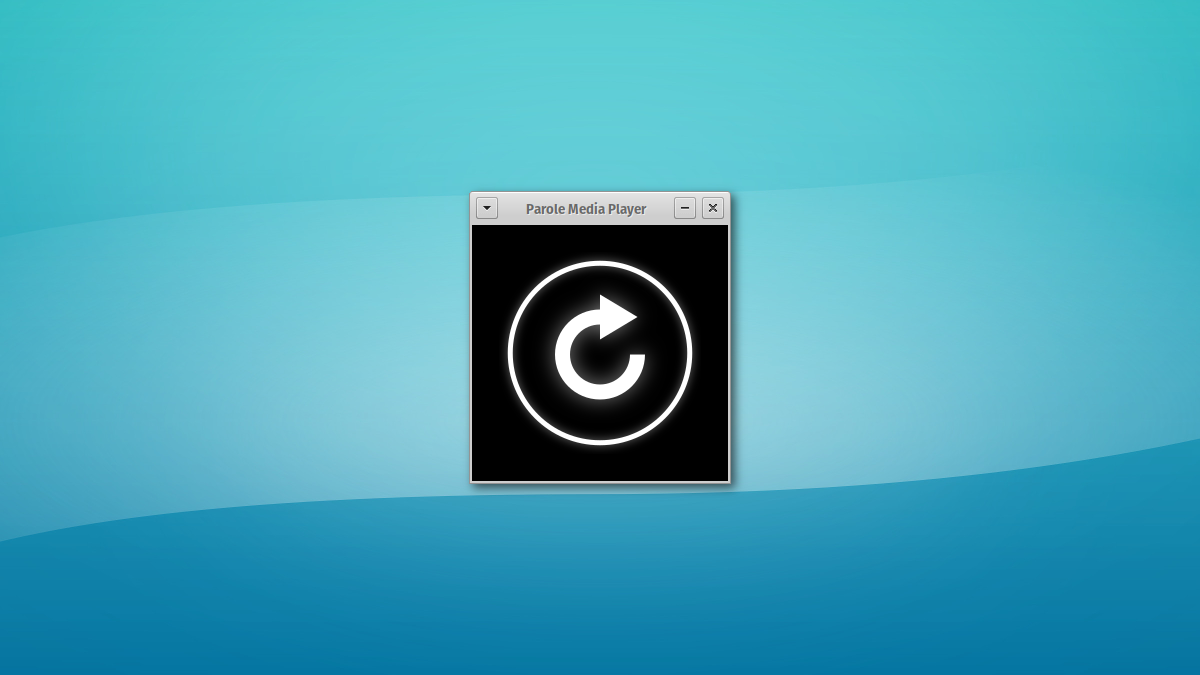
- New play and replay icons in the player content area. Clicking on these will play or replay your media (finally)!
- Most deprecated API calls have been dropped or replaced. We’re not dropping GtkStatusIcon yet, the notification area lives on in Xfce!
- Double buffering with the X11/XV video outputs has been re-enabled. Ubuntu has been carrying this patch for a while now.
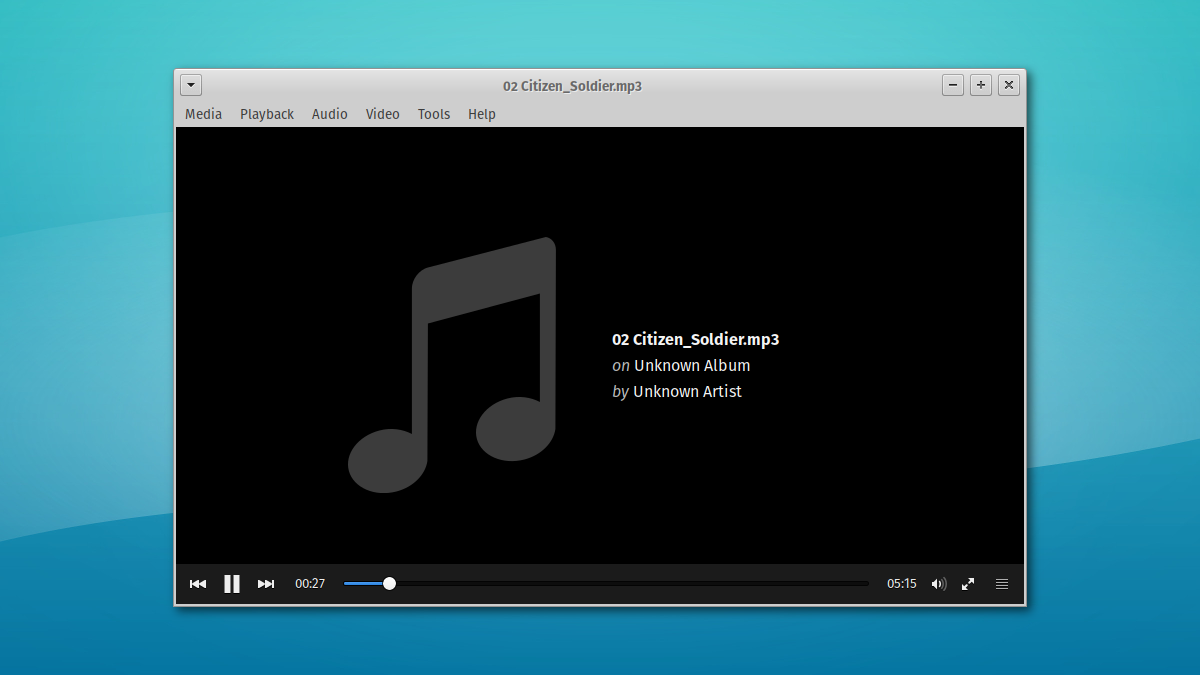
- The window and content titles are now set to the playing filename if no ID3 tags are found.
- Plugins can now be loaded by name instead of full path (plugin-name.so).
- The desktop file and related AppStream have been updated to the now-standard “reverse-DNS” convention (org.xfce.Parole)
- Translation updates: Asturian, Bulgarian, Catalan, Chinese (China), Croatian, Czech, Danish, Dutch, French, German, Greek, Hebrew, Hungarian, Icelandic, Japanese, Kazakh, Korean, Lithuanian, Norwegian Bokmål, Polish, Portuguese (Brazilian), Russian, Slovak, Spanish, Swedish, Turkish, Ukrainian
Screenshots

Downloads
The latest version of Parole Media Player can always be downloaded from the Xfce archives. Grab version 0.9.0 from the below link.
http://archive.xfce.org/src/apps/parole/0.9/parole-0.9.0.tar.bz2
- SHA-256: 656712d30fd2f63374d4d4d76e699fe2ef77290cc2600c126050c699b3fec185
- SHA-1: 1fd5abf883963abf6e159d829cebd2d3541ebf8b
- MD5: 4d9ae4669dc92ec3100e191077f3d43b
Xfce Settings 4.13.0 Released
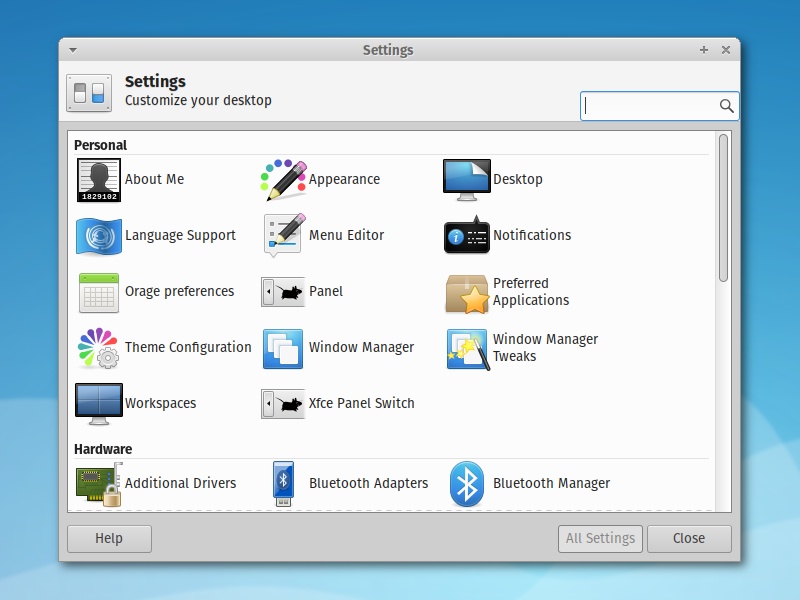
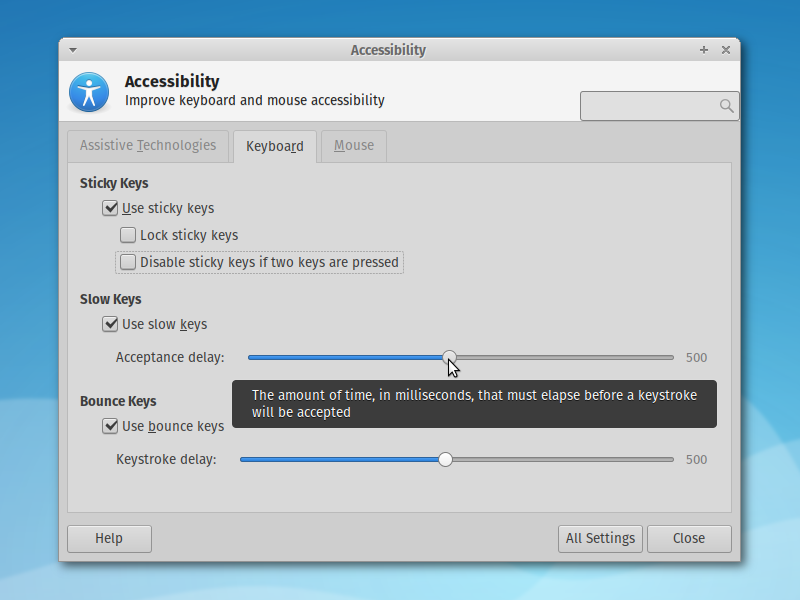
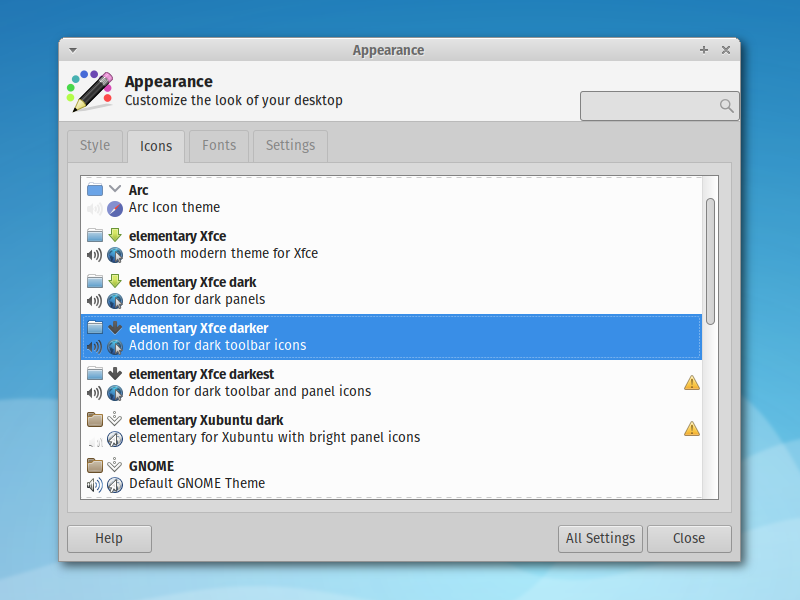
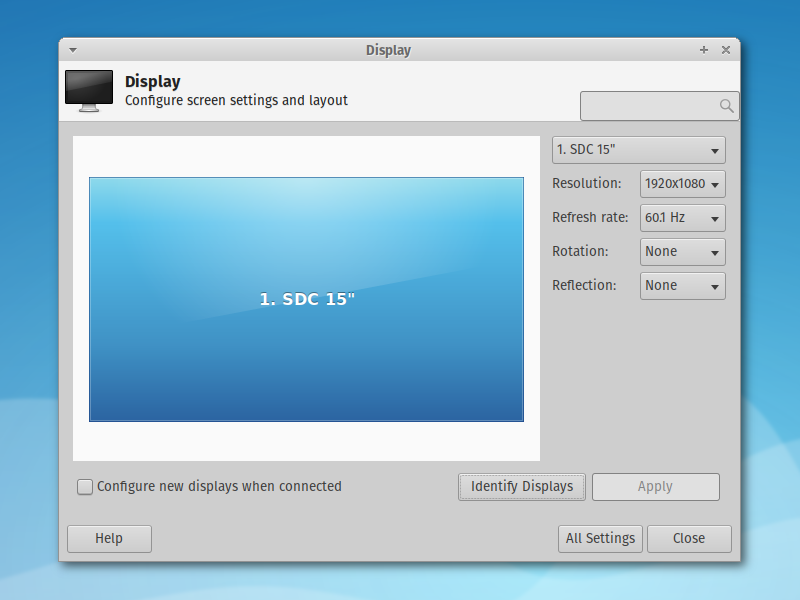
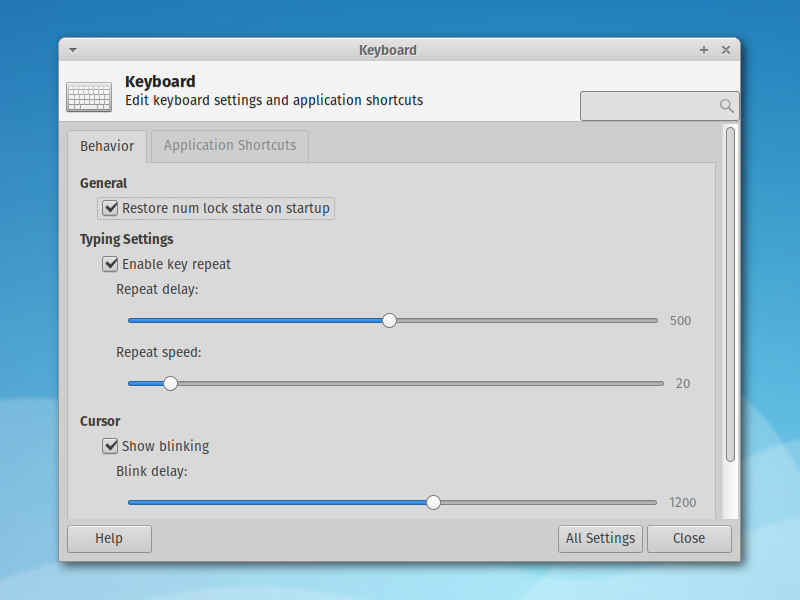
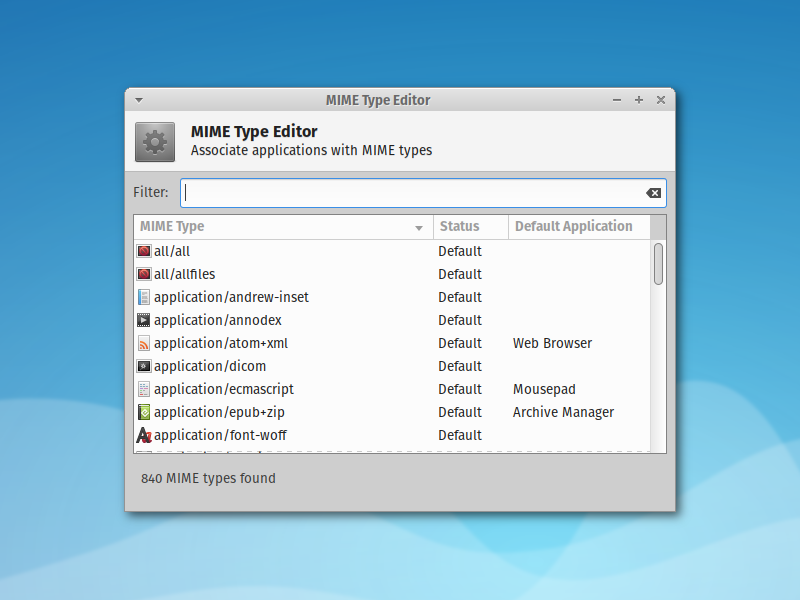
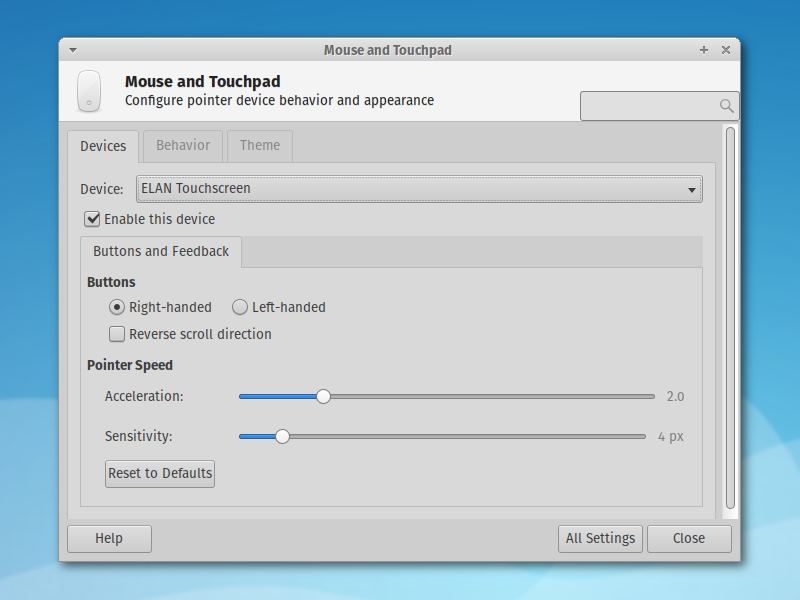
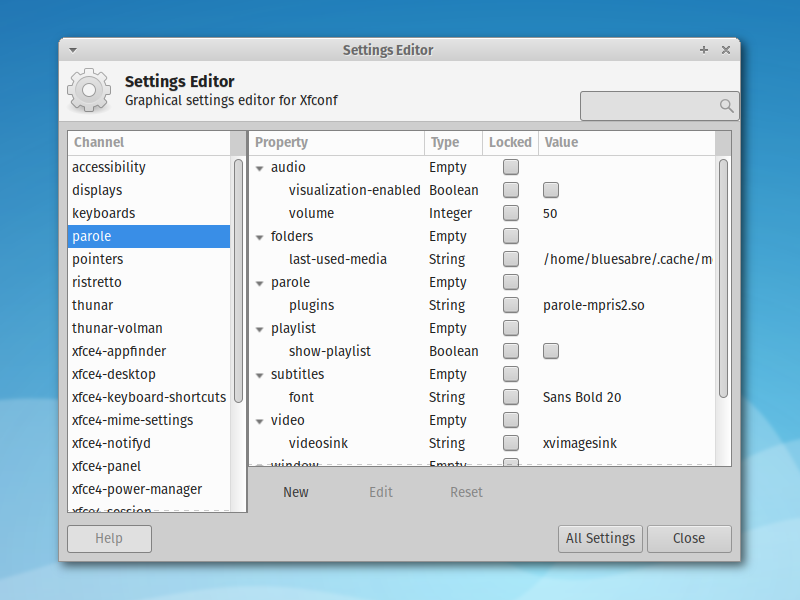
Many components have been ported to GTK 3 on the path to Xfce 4.14, while many others are in progress. Xfce Settings 4.13.0 represents the first milestone in its transition to GTK 3.
What’s New?
-
This is a one-to-one port from GTK+ 2; no new features or fixes have been implemented.
-
Translation Updates: Basque, Bulgarian, Chinese (China), Chinese
(Taiwan), Croatian, English (Australia), French, German, Hebrew,
Japanese, Korean, Lithuanian, Malay, Occitan (post 1500), Polish,
Portuguese, Portuguese (Brazil), Romanian, Russian, Serbian, Slovak,
Spanish, Swedish, Ukrainian
Known Issues
-
The display settings dialog does not always build correctly. The offending
code exists in the port to GdkSeat. When alternating between the old and
new versions of this code, both versions do work. If you want to investigate and submit a patch or tip, that’d be awesome!
Screenshots
What’s old is new again.
Downloads
Xfce Settings 4.13.0 is available to download from archive.xfce.org:
Source code ( md5) ( sha1) ( sha256)
Catfish 1.4.2 Released
The Catfish 1.4.x series is now stable, and Catfish 1.4.2 is available. This release builds on the continued work and community contributions to deliver the best release yet.
What’s New?
New Features
- Catfish can now be easily closed with Ctrl+C in the terminal (late, I know)
Bug Fixes
- Fix installation with Python 2 (LP: #1540211)
- Fix end date calculation with custom date ranges (LP: #1514018)
- Fix issues double-click activation (LP: #1523164)
- Fix middle/right-click activation on startup (LP: #1547807)
- Unmark strings that should not be translated (LP: #1562578)
- Fix issues with deleted files not being removed from results
- Fixed file timestamps being displayed as UTC instead of local time
- Install appdata again (broke in 1.3.4)
- Use localtime for date range comparisons
Translation Updates
- Catalan, Dutch, Esperanto, Finnish, French, German, Japanese, Lithuanian, Spanish, Swedish
Downloads
The source packages for Catfish 1.4.2 (and all other releases) can be downloaded from Launchpad. Users of Ubuntu 16.04 “Xenial Xerus” can install Catfish from the software center. Other Ubuntu users can get the latest Catfish from the Catfish PPA.
Catfish 1.3.4 Released
With a slew of updates and a new build system, Catfish 1.3.4 is now available! This update fixes a number of bugs, adds initial support for PolicyKit, and introduces a new PPA for Ubuntu users.
What’s New?
New Features
- Initial PolicyKit integration for requesting administrative rights to update the search database.
Bug Fixes
- Fixes for passwordless admin (running as root) logic (LP: #1507765)
- Fixed crash in en_US locale for a non-sudoer user (LP: #1501565)
- Replaced catfish launch script (LP: #1445739)
- Fixed issues with multiple selected results (LP: #1461072, #1508918)
- Fixed middle-click activation
Translation Updates
- Bulgarian, Chinese (Simplified), Chinese (Traditional), Dutch, English (Australia), French, German, Greek, Icelandic, Lithuanian, Serbian, Swedish, and Ukrainian
A New PPA
To make it easier for users to install the latest supported versions, the previous PPAs have been merged into a single Catfish PPA. This new PPA provides three different installation options.
- The catfish package is the latest stable release (at this time, 1.2.2). This package is recommended for users who want a verified functional version of Catfish.
- The catfish-unstable package provides the latest development release (this release, 1.3.4). This package includes some of the latest features but may also contain bugs.
- The catfish-daily package delivers the most recent updates as they are committed to the code. Beware: This package will have the latest fixes and bugs, and some days may not even start.
These packages replace one another to switch between them easily. To install packages from this PPA on your system, you can use the following commands:
sudo add-apt-repository ppa:catfish-search/ppa
sudo apt-get update
sudo apt-get install <catfish|catfish-unstable|catfish-daily>
Downloads
The source packages for Catfish 1.3.4 (and all other releases) can be downloaded from Launchpad.
Parole Media Player 0.8.1 Released
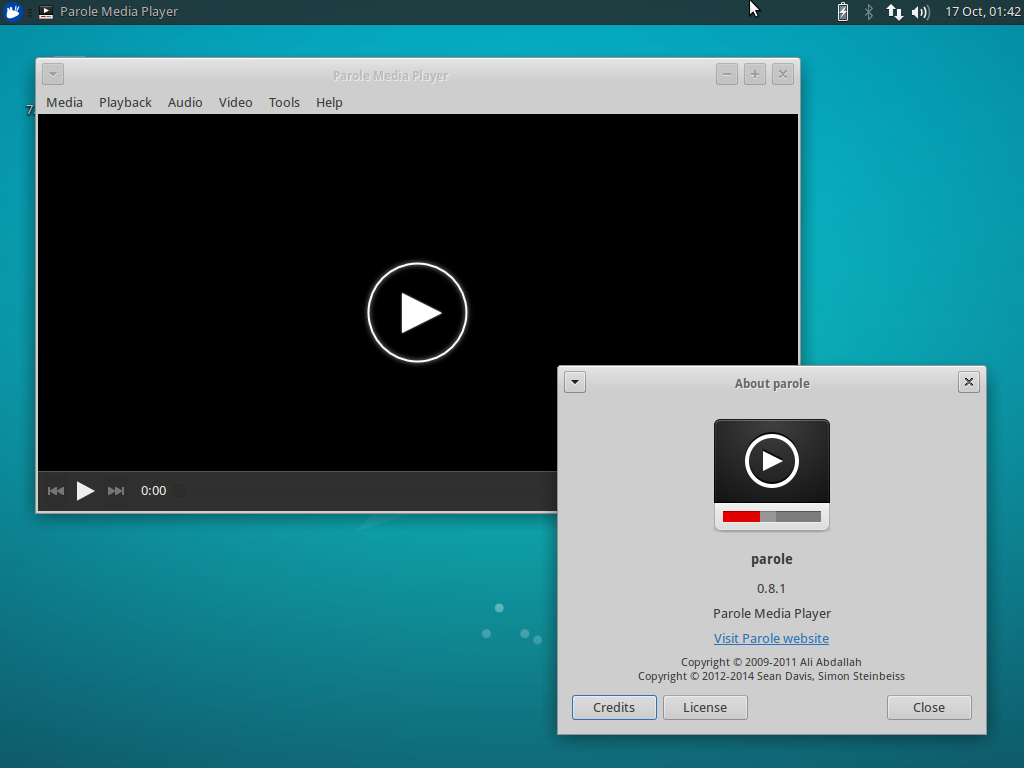
It’s been nearly 8 months since the first release in Parole’s 0.8 stable series. Yesterday, Parole Media Player 0.8.1 was released in time to be included in Xubuntu 15.10. This release includes several bug fixes and makes for another great release.
What’s New?
New Feature-ish
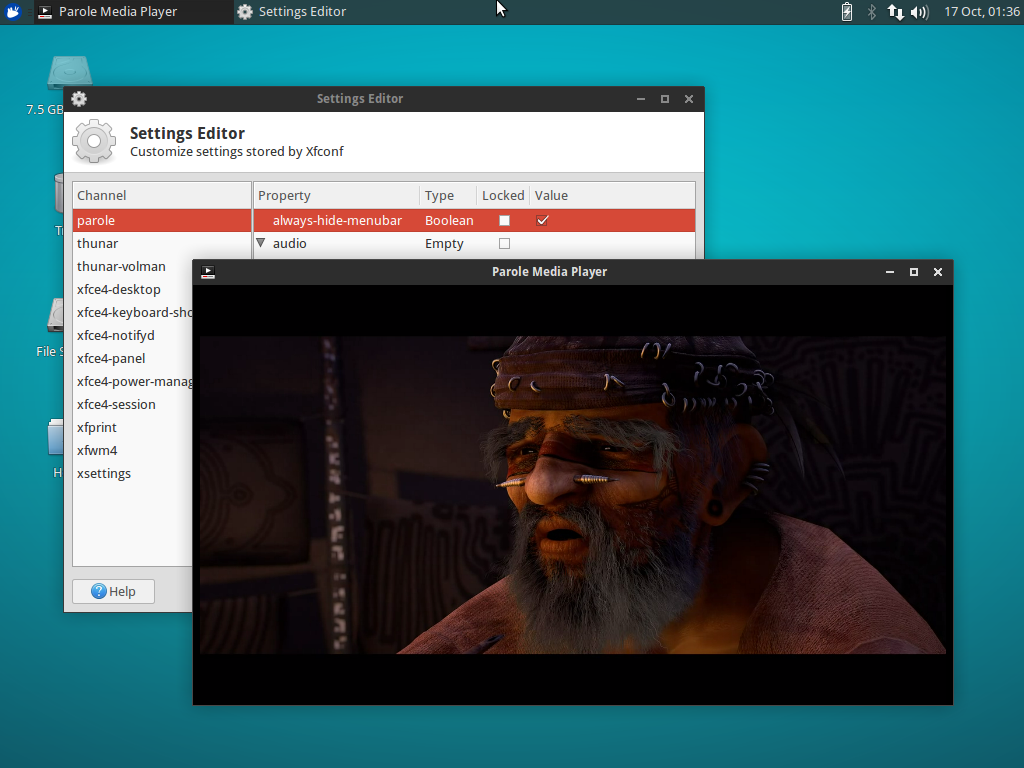
New hidden setting to persistently hide the menubar been sessions. This option reduces Parole into a window dedicated to content for as long as it is enabled.
-
To enable from the terminal, issue the following command:
xfconf-query -c parole -p /always-hide-menubar -nt bool -s true -
And from the Xfce Settings Editor: Click “parole”, then “New”. Enter “/always-hide-menubar” as the property, select “Boolean”, and then toggle the value to “TRUE”.
Bugs Fixed
- Xfce: #12045: MPRIS2 plugin: Add missing signal watch on shuffle property
- Xfce: #12169: Fix crash on close that would happen in some system configurations (including Xubuntu 15.10)
- Xfce: #11653: Make appdata.xml correctly validate
- Fixed building with
--debugby correcting conditional logic
Translation Updates
Chinese (China), Chinese (Taiwan), English (Australia), Finnish, French, Galician, German, Greek, Hebrew, Italian, Korean, Lithuanian, Malay, Polish, Portuguese, Portuguese (Brazilian), Russian, Spanish, Swedish, Thai, Ukrainian
Screenshots
Downloads
The latest version of Parole Media Player can be downloaded from the Xfce archives. Ubuntu 15.10 “Wily Werewolf” users can install Parole 0.8.1 from the repositories:
sudo apt-get update
sudo apt-get install parole
Catfish 1.3.3 Released
Catfish 1.3.3 was released on October 8th. This release follows the current development cycle, in which I improve usability and tackle bugs of all sizes.
Changes Since 1.3.0
New Features
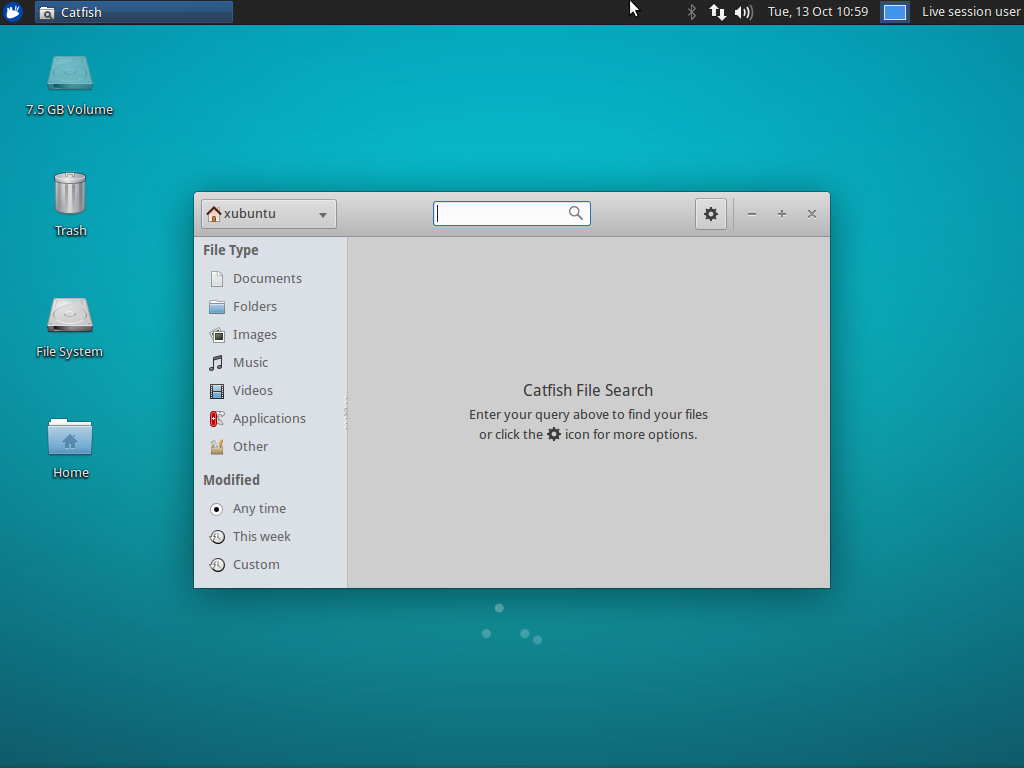
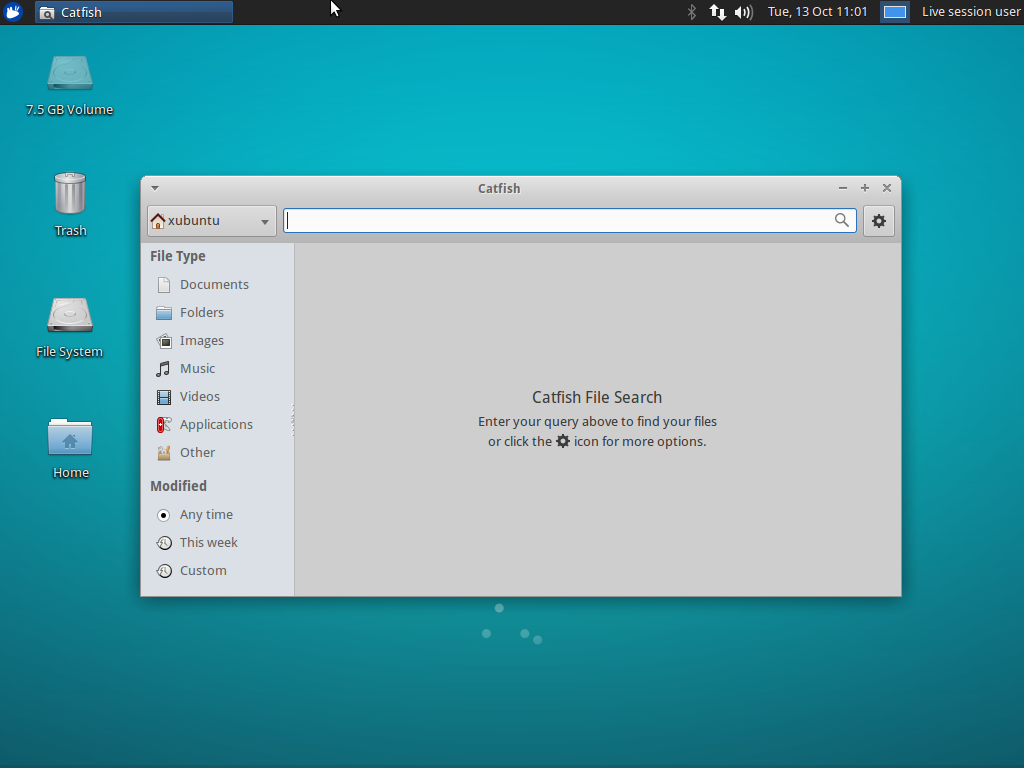
- The headerbar window decorations are now optional and can be toggled with the
use-headerbarsetting - Updated Translations: German, Greek, Finnish, French, Polish, Portuguese, Spanish
Bug Fixes
- LP: #1395720: Support for passwordless sudo
- LP: #1442559: Fix lookup of files over 2GB on 32bit installations
- LP: #1482919: Detect availability of
locate, disable if unavailable - LP: #1495098: Use correct thumbnails directory based on GLib version
- Fix broken modification date filter
- Hide output from the
whichcommand on startup - Set the window title to display in window lists correctly
Screenshots
Downloads
The latest version of Catfish can be downloaded from Launchpad. Ubuntu 15.10 “Wily Werewolf” users can install Catfish 1.3.3 from the repositories:
sudo apt-get update
sudo apt-get install catfish